
Great training doesn't just happen by accident. It's the result of a solid game plan. Before you even think about PowerPoint slides or video scripts, you need a clear strategy that connects your training directly to your business goals and the real-world skills your team needs. Skipping this foundational work is like trying to build a house without a blueprint—it’s a recipe for wasted time and ineffective results.
Laying the Foundation for Effective Training
The most important part of creating training materials happens long before you start designing. It's all about digging deep to understand the 'why' behind the training and the 'who' it's for. So many companies jump straight into making content, only to find out later that it doesn't actually solve the problem they thought they had. A strong foundation is your insurance against that.
Think of this initial phase as detective work. You’re moving past assumptions to get to the root of what your team and your business truly need.
Pinpoint the Real Skill Gaps
To build training that actually sticks, you have to know what's missing. Don't guess. You need to get into the weeds and find the specific knowledge gaps holding your team back. This means using a mix of hard data and real conversations.
For a home service business, this looks like:
- Diving into customer feedback: Are you seeing repeat complaints about messy job sites, poor communication, or scheduling mix-ups? These are flashing red lights pointing you toward a training need.
- Analyzing performance data: Look at your numbers. Are first-time fix rates dropping for your HVAC techs? Are call-handling times for your CSRs creeping up? These metrics don't lie; they tell a story about where skills might be rusty.
- Having honest conversations: Pull aside your top performers and ask what makes them successful. Then, chat with team members who are struggling and ask them what their biggest daily hurdles are. You'll be amazed at what you uncover.
The point here isn’t to place blame. It's to find opportunities. A proper needs analysis shows you exactly where a little bit of targeted training can make a huge difference in employee confidence and your bottom line.
Set Clear and Measurable Learning Objectives
Once you know the problems, you can define what success looks like. Vague goals like "get better at customer service" are impossible to measure. You need to get specific. A truly useful learning objective clearly states what someone will be able to do after the training.
For example, instead of a fuzzy goal like "train CSRs on the new CRM," aim for something sharp and measurable: "After this session, CSRs will be able to log a new customer call, schedule a technician, and generate a work order in the CRM in under three minutes with zero errors." See the difference? That clarity not only guides your content but also makes it easy to see if the training actually worked.
If you're looking to build out a more structured approach, it's worth exploring proven strategies for developing a comprehensive training curriculum.
This focus on upskilling is a huge deal for businesses everywhere. The corporate training market hit a staggering $370 billion in 2023 and is projected to climb to $487 billion by 2032. It’s all driven by the simple fact that well-trained teams perform better.
Designing Content That Actually Sticks
Alright, you've got your training goals mapped out. Now comes the real work: turning those goals into content that your team will actually remember and, more importantly, use. Let's be honest, those thick, text-heavy binders we've all seen are usually where good intentions go to collect dust. If you want to create training that makes a difference, you have to think like a designer from the get-go, focusing on keeping people engaged and making the information stick.
This is about more than just dumping a bunch of facts on your team. You're creating an experience. The best training guides your people through complex topics, respects their time, and makes learning feel efficient and valuable.
Choosing the Right Format for the Job
The way you deliver the information is just as crucial as the information itself. You wouldn't use a textbook to teach someone how to change a tire, right? The same logic applies here. Trying to teach a hands-on repair with a PDF is a recipe for frustration, just like a full-blown video course for a minor policy update is complete overkill.
Here are a few formats that work wonders for home service businesses:
- Video Tutorials: Nothing beats video for showing physical tasks. A quick, two-minute clip on the right way to flush a tankless water heater or a detailed walkthrough of a 15-point HVAC inspection is gold.
- Interactive eLearning Modules: These are fantastic for teaching processes. Think about guiding a new CSR through your scheduling software or showing a dispatcher how to properly manage new sales leads definition. You can build in quizzes and quick-click simulations to make sure they're getting it.
- One-Page Job Aids & Checklists: For anything that requires a specific sequence, a simple, printable checklist is your best friend. A "Pre-Call Checklist" for technicians or a "New Customer Intake Guide" for the office staff can prevent countless mistakes.
- Live Workshops (In-Person or Virtual): When it comes to soft skills—customer communication, handling tough conversations, or role-playing sales scenarios—nothing beats live interaction. The immediate feedback is invaluable.
The shift to digital learning isn't just a trend; it's backed by results. While people might only retain 8-10% from traditional classroom sessions, well-crafted eLearning can rocket that number up to 25-60%. That's a massive leap and shows just how powerful picking the right medium can be. You can dig deeper into these corporate eLearning statistics to see the full picture.
Choosing the right format can feel overwhelming, but it's about matching the tool to the task. To simplify the decision, think about what you're trying to teach, how interactive you need it to be, and what resources you have on hand.
Choosing the Right Training Material Format
| Format Type | Best For | Engagement Level | Creation Effort |
|---|---|---|---|
| Video Tutorials | Demonstrating physical tasks, step-by-step procedures | High | Medium-High |
| Interactive eLearning | Software training, complex processes, compliance | High | High |
| Job Aids/Checklists | In-the-field reminders, multi-step tasks | Low | Low |
| Live Workshops | Soft skills, role-playing, team-building | Very High | Medium |
Ultimately, the best approach is often a mix of these formats. A video can introduce a concept, a checklist can reinforce it in the field, and a workshop can help your team master the nuances.
Weave in Stories and Real-World Scenarios
Facts tell, but stories sell. And in training, stories are what make lessons stick. People learn best when they can connect new information to something they've already experienced. Abstract rules are easy to forget, but a relatable story? That's memorable.
Key Takeaway: Don't just tell them what to do. Show them why it matters with a real-life example. A story about how a tech turned a 1-star review into a 5-star rave by using a specific communication script is far more powerful than a dry list of "dos and don'ts."
For instance, if you're training on upselling, ditch the product list. Instead, paint a picture. "A customer calls about a drippy faucet. While you're there, you notice their water heater is 15 years old and showing signs of rust. Here’s how you can gently bring up the benefits of a new, high-efficiency model without sounding like a pushy salesperson."
This approach bridges the gap between the training room and the customer's home, making the lesson practical and immediately useful.
Selecting the Right Tools and Technology
Your training content is only as good as the tools you use to build and deliver it. The right technology can make all the difference, turning your materials into an engaging, trackable experience instead of just another forgotten PDF. The good news? You don't need a massive budget or a dedicated IT department to get this right.
Making smart choices here is all about matching the tool to your specific training goals. For a home service business, that usually means prioritizing simplicity, scalability, and ease of use for your technicians out in the field and your office staff back at HQ.
Finding Your Core Training Hub
The central piece of your tech puzzle is often a Learning Management System (LMS). Think of an LMS as the digital home for all your training materials. It's where you can host courses, see who's completed what, and check their understanding with quick quizzes.
When you start looking at different LMS options, keep these key features in mind:
- Mobile-Friendly Interface: Your techs aren't sitting at a desk. They need to be able to pull up a training video or a checklist right from their phone or tablet between jobs.
- Simple Reporting: You should be able to see at a glance who finished the safety module and how they scored, without needing a data science degree.
- Automation: Can the system automatically assign your onboarding course to new hires? Little automations like this will save you a ton of administrative headaches down the road.
The global LMS market is projected to hit $28.1 billion, which tells you just how critical these platforms have become for any business that’s serious about employee development. As you look at different tech solutions, it's also worth seeing how interactive tools can deliver expert content—check out this guide on How to Build a Chatbot for Your Coaching Business for some interesting ideas on interactive learning. The clear trend is toward personalized, on-demand training, so choosing a system that can adapt is a smart move.
This infographic breaks down how different training formats stack up when it comes to engagement and how much your team will actually remember.
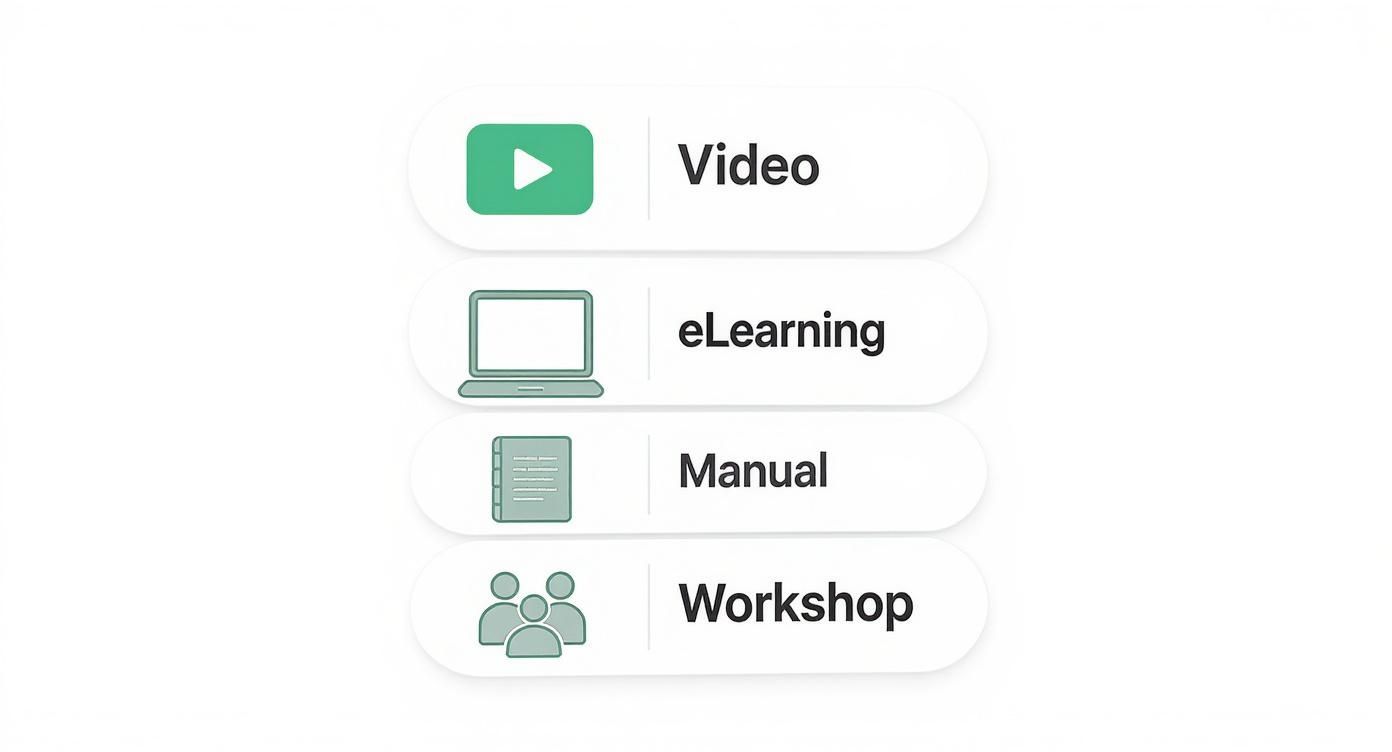
As the data shows, more dynamic formats like video and interactive eLearning courses consistently outperform static manuals for knowledge retention.
Tools for Lean Content Creation
You don't always need a full-blown LMS, especially when you're just starting out. There are plenty of simple, budget-friendly tools that can help you create surprisingly high-quality training materials.
My Advice: Start with the simplest tool that gets the job done right now. You can always upgrade later. I've seen too many businesses get bogged down by overcomplicating their tech from day one, and it stalls the entire training program before it even gets off the ground.
For instance, you can use a tool like Canva to design professional-looking job aids and checklists in minutes. For video, your smartphone and a simple video editor like CapCut are often all you need to create solid tutorials from the field. And for interactive quizzes, platforms like Google Forms or SurveyMonkey are free and incredibly easy to use.
The goal here is progress, not perfection.
Implementing and Delivering Your Training Program
https://www.youtube.com/embed/nOiAmaJ8Aro
Alright, you’ve designed some fantastic training materials. Now comes the hard part: bringing them to life. The best content on earth is useless if the delivery falls flat or if your team sees it as just another chore. This is where your plan meets reality, and a smart rollout makes all the difference.
Successful implementation is about much more than just hitting "send." It’s about logistics, smart communication, and creating an environment where people actually want to learn. This is how you set your team up for a win right from the start.
Choosing Your Delivery Model
How are you actually going to get this training into your team's hands (and heads)? There’s no single right answer here. The best method really depends on what you're teaching, your crew's schedule, and the skills you're trying to build. For a busy home service company, flexibility is everything.
Let's look at the most common approaches I've seen work:
- Self-Paced Online Learning: This is perfect for foundational stuff—think company policies, safety refreshers, or tutorials on your CRM. Techs can knock out a module on their tablet between jobs, and a new CSR can get up to speed without tying up a manager for hours on end.
- Live Instructor-Led Training (ILT): Whether it’s in the shop or over a video call, this is still the gold standard for teaching soft skills, complex troubleshooting, and anything hands-on. Nothing beats live Q&A or role-playing a tough customer conversation.
- Blended Learning: This is the sweet spot. A hybrid approach combines the efficiency of online learning with the impact of in-person coaching. You might have techs complete a self-paced module on a new piece of equipment, then bring them in for a live workshop to practice with it and ask an expert their toughest questions.
Honestly, a blended model usually gives you the biggest bang for your buck. It scales well but doesn't lose that critical human element of direct coaching and feedback.
Remember, the goal is to make learning accessible, not another burden on your team’s already packed schedule. A technician is far more likely to watch a five-minute video on a new installation technique than to read a 50-page manual after a long day.
Launching the Program and Getting Buy-In
The way you introduce this training is critical. Please, don't just send out a calendar invite and call it a day. You need to sell it. Frame this as a real investment in their careers—a tool that will make their jobs easier, not harder.
You have to answer the "what's in it for me?" question right away. Explain how this training will help them solve those annoying, recurring problems, earn more five-star reviews, or just get through their day more efficiently. When your team sees the personal and professional payoff, their motivation to actually engage will go through the roof.
Before you launch, get your ducks in a row. Have a clear timeline ready and make sure every single resource—from software logins to physical tools for the workshop—is ready to go. A clunky, disorganized rollout can kill enthusiasm before the first lesson even starts. This is your moment to prove to the team that you value their time and are serious about helping them grow.
Measuring Success and Refining Your Materials
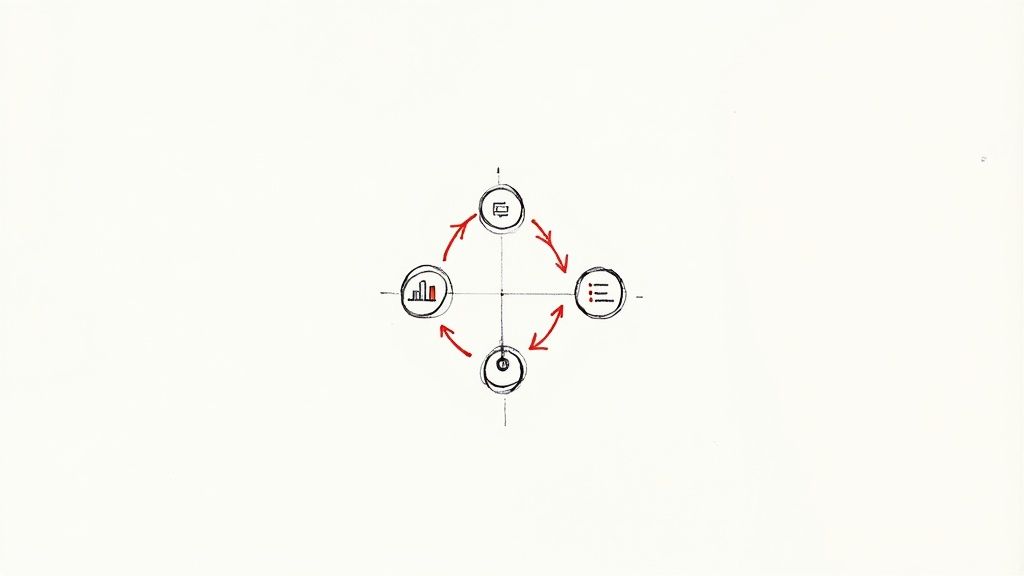
Here's a hard truth: creating training materials isn't a "set it and forget it" task. The best training programs I've ever seen are living things—they grow and adapt right alongside the business. If you put in all the work to build something and then just walk away, you’ll never know if you actually moved the needle or just wasted everyone's time.
This is all about building a powerful feedback loop. The real goal is to get past simple stuff like completion rates. Honestly, who cares if 100% of your new HVAC techs watched a video if their first-time fix rates are still in the tank? We need to dig deeper.
Gathering Meaningful Performance Data
To figure out if your training is actually working, you need to collect the right kind of intel. This isn't just about one method; it's about combining a few different approaches to get a full picture of what your team knows and what they’re doing in the field.
Here are a few practical ways to see what's sticking:
- Smarter Quizzes: Ditch the basic multiple-choice questions. Start using scenarios that force people to think. For instance, "A customer's AC unit is making a rattling noise. Based on the module, what are the first 3 things you check?"
- Ride-Alongs and Observations: There’s no substitute for seeing it live. Have a senior tech or manager watch a newer team member perform a task they were just trained on. This gives you direct, undeniable proof of their skill level.
- Post-Training Surveys: Don't just ask if they "liked" the training—that’s a vanity metric. Ask pointed questions like, "Which part of the new scheduling software still feels confusing?" or "On a scale of 1-10, how confident do you feel handling an angry customer call after this session?"
The most valuable feedback I’ve ever gotten came from asking one simple question during ride-alongs: "What's one thing from that training that you've actually used on a job this week?" The answers—or the silence—will tell you everything you need to know about how relevant your material is.
Analyzing Feedback and Making Adjustments
Once you have this information, it's time to play detective and connect the dots. Are multiple CSRs getting tripped up on the same quiz question about your refund policy? That's a huge red flag that the module needs to be clearer.
This is where you can finally draw a straight line between training and business results. If you launched a module on upselling maintenance plans and see a 15% jump in plan sales the next quarter, you've hit a home run. But if nothing changes? It’s time to go back to the drawing board with that content.
To keep this from becoming overwhelming, it helps to have a clear idea of what you're tracking.
Key Metrics for Training Effectiveness
This table breaks down some of the most important things to keep an eye on. It's not about tracking everything, but about tracking the right things that show you the real impact on your business.
| Metric | What It Measures | How to Track It |
|---|---|---|
| Skill Application | Can employees perform the task correctly in the field? | On-the-job observations, practical skills tests |
| Knowledge Retention | Did the key information actually stick? | Scenario-based quizzes, follow-up Q&A sessions |
| Business Impact | Did the training affect key performance indicators (KPIs)? | Customer satisfaction scores, first-time fix rates, sales data |
| Learner Feedback | How confident and prepared do employees feel? | Targeted surveys, informal one-on-one check-ins |
By checking in on these metrics regularly, you turn your training library from a dusty, static resource into a dynamic tool for continuous improvement. This ongoing process is what creates training that doesn't just educate but also delivers real, lasting results for your team and your bottom line.
Got Questions About Creating Training Materials? We’ve Got Answers.
Even with the best game plan, you’re bound to hit a few snags when creating training materials. Let’s walk through some of the most common questions I hear from home service business owners and lay out some real-world answers.
Getting ahead of these challenges is half the battle. If you can tackle them with practical solutions from the get-go, you'll save yourself a ton of headaches down the road.
How Do I Get Buy-In From Leadership and My Team?
This is the big one. Getting everyone on board feels like the toughest part, but it comes down to speaking their language. For leadership, that language is money.
Forget talking about "training." Instead, talk about solving expensive problems.
- For Leadership: Frame your pitch around the bottom line. Show them hard numbers. Explain how a specific training module on diagnostic procedures can slash costly callbacks by 15%. Connect every single piece of training to a KPI they actually care about, like first-time fix rates or customer satisfaction scores.
- For Your Team: Your techs and CSRs are asking one simple question: "What's in it for me?" Answer it directly. Explain how this training will make their day-to-day job easier, help them get more 5-star reviews (and maybe bonuses), and give them skills that build a real career. When they see it as an investment in them, you’ll get engagement instead of eye-rolls.
Pro-Tip: Getting buy-in isn't a one-and-done presentation. It's a constant conversation. Share the small wins. Post a glowing customer review that resulted from a new process. Keep showing leadership and the team that the program is working.
Without this support from the top and enthusiasm from the field, even the most polished training manual will just collect dust.
How Do I Keep Training Materials Up-to-Date?
I’ll be blunt: outdated training materials are dangerous. They lead to confusion, callbacks, and unhappy customers. The trick to keeping everything fresh isn't a massive annual overhaul; it's building a smart, manageable system from the start.
Stop thinking in terms of giant, 100-page binders. Instead, create your content in small, modular chunks. Think of them like LEGO bricks. When a manufacturer changes an installation spec, you just have to swap out a two-minute video or a one-page PDF—not rewrite an entire chapter. It's a game-changer.
You also need to assign ownership. Make your lead technician responsible for reviewing all technical guides every quarter. Have your top CSR own the scripts and CRM walkthroughs. When specific people are accountable, things don't fall through the cracks.
How Do I Adapt Training for Remote or Hybrid Teams?
These days, with CSRs, dispatchers, and other admin staff often working from home, your training has to work for everyone, no matter where they are. That means thinking digital-first.
Here’s a simple framework that works:
- Create a Central Hub: Don't make people hunt for information. Use a shared Google Drive folder, a private YouTube channel, or a simple Learning Management System (LMS) as the single source of truth for all materials.
- Make Virtual Training Interactive: If you're doing live sessions on Zoom, don't just lecture. Use breakout rooms for small group problem-solving and run quick polls to make sure everyone is paying attention and not just scrolling on their phone.
- Schedule Regular Check-ins: A quick, one-on-one video call can make all the difference for a remote team member. It's a chance to see if they're really getting it and to answer questions they might be too shy to ask in a group setting.
This approach ensures every single team member gets the same high-quality training, whether they're in the office next to you or working from their kitchen table.
At Phone Staffer, we don't just find you great remote team members; we ensure they are fully trained and ready to contribute from day one, handling leads and calls to grow your business. Find out how our trained CSRs and VAs can make an immediate impact at https://phonestaffer.com.