

In the fast-paced world of home services, from HVAC to plumbing and electrical, every phone call is a make-or-break opportunity. A hesitant CSR, a fumbled response to a pricing question, or a missed chance to book an appointment can send a valuable lead straight to your competitor. Generic, one-size-fits-all scripts often fail because they don’t account for the unique, urgent, and often technical nature of a service call. A customer with a burst pipe needs a different conversation than someone scheduling routine maintenance.
This is where the right framework makes all the difference. It empowers your team to be consistent, professional, and effective without sounding robotic. This guide cuts through the noise to provide a comprehensive resource list, analyzing platforms and downloadable call center script templates specifically chosen for home service companies. We’ll explore free resources from platforms like HubSpot and Zendesk, customizable downloads from marketplaces like Etsy, and more advanced tools that help your team, whether in-house or remote VAs, turn more calls into booked jobs. While static scripts are a powerful starting point, exploring advanced alternatives is also crucial; the role of AI for call centers is becoming increasingly vital for dynamic, real-time agent assistance.
Below, you'll find our breakdown of the best resources available, complete with screenshots, direct links, and practical advice. We’ve also included our own custom-built templates tailored for the most common home service scenarios, giving you a ready-to-use toolkit to implement immediately. This article will help you find the perfect call center script templates to streamline your operations, improve customer interactions, and ultimately grow your business.
1. Zendesk
Zendesk offers one of the most comprehensive free collections of call center script templates available, making it an ideal starting point for any home service business building its communication playbook. While not specifically tailored to industries like HVAC or plumbing, its strength lies in the sheer breadth of scenarios covered.
The resource is presented as a long-form article that includes 88 distinct scripts for situations ranging from initial greetings and appointment setting to handling frustrated customers and escalations. This format is perfect for training new CSRs or virtual assistants on foundational communication skills. You can easily copy and paste these scripts into your own internal documents and customize them with industry-specific language.
Core Offerings and Use Cases
- Scenario-Based Scripts: Find ready-to-use text for common situations like troubleshooting, win-back campaigns, and standard greetings.
- Downloadable Template: A downloadable, customizable script template provides a solid structure for creating your own unique scripts from scratch.
- Best-Practice Guidance: The resource includes valuable advice on when scripts are most effective and when to allow for more flexibility. This is crucial for maintaining a natural, human touch in customer interactions. For a deeper dive into this balance, you can find more information about effective customer communication strategies from PhoneStaffer.
| Feature Evaluation | Assessment |
|---|---|
| Ease of Access | Excellent: No signup required; everything is free. |
| Customization | Good: Requires copy-pasting, but the provided base is solid. |
| Relevance | Broad: Focuses on general customer service, not home services specifically. |
Website: Zendesk Call Center Scripts
2. HubSpot
HubSpot offers a powerful collection of downloadable call center script templates designed for both customer service and sales, making it a valuable resource for home service businesses looking to standardize their entire communication workflow. Its unique value lies in providing professionally designed, editable documents that serve as a foundation for building a comprehensive internal playbook.
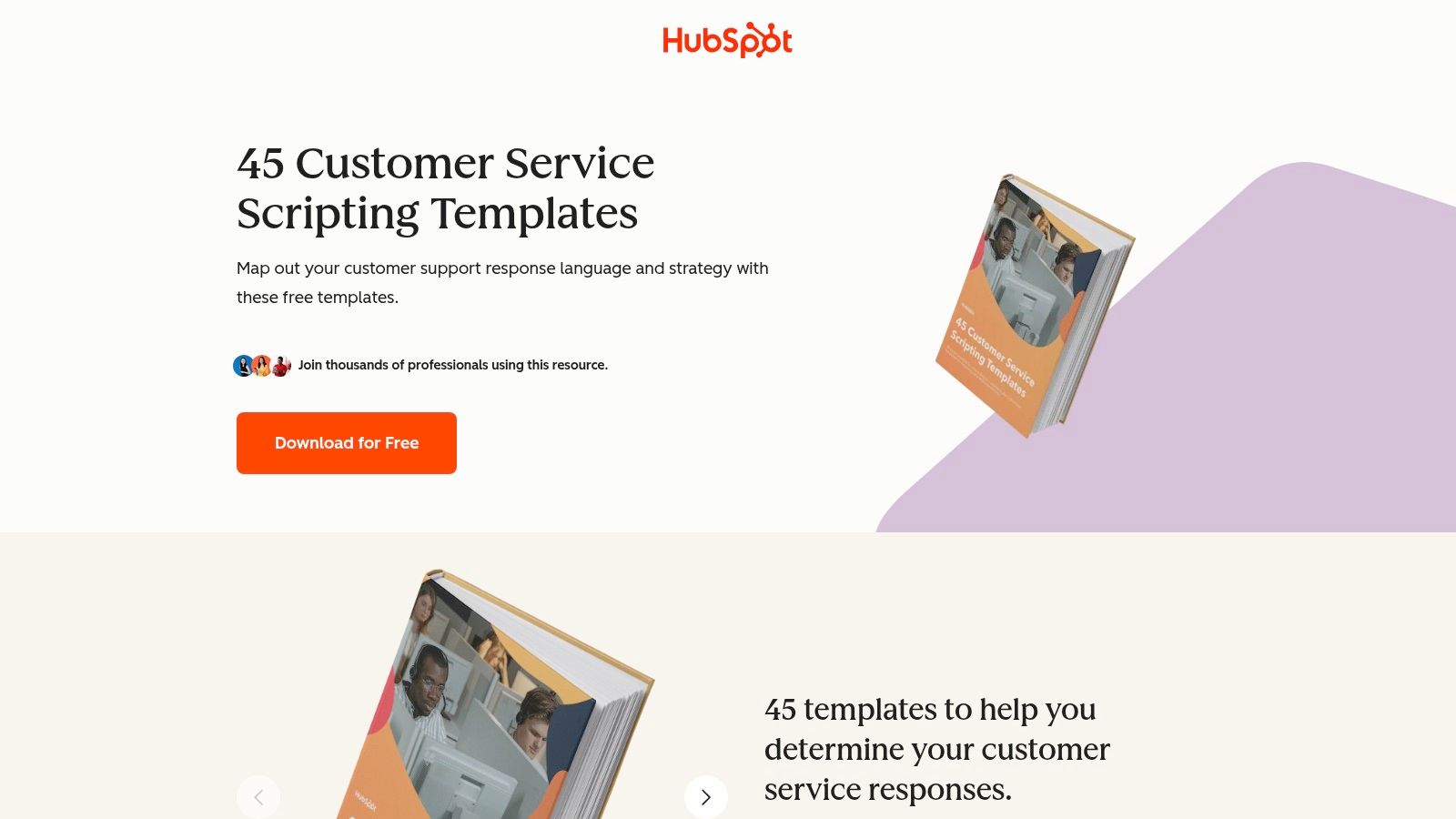
Unlike a simple blog post, HubSpot provides downloadable packs, including 45 customer service scripts and 30 sales-focused scripts. These resources are delivered in Google Docs and Sheets formats, allowing for immediate editing and team collaboration. This approach is excellent for businesses that want a polished starting point to customize for specific trades like electrical, roofing, or junk removal.
Core Offerings and Use Cases
- Service and Sales Templates: Access distinct script packs for customer service interactions (e.g., inbound inquiries, issue resolution) and sales outreach (e.g., outbound appointment setting, lead follow-up).
- Editable Playbook Formats: The templates are provided in easily shareable and editable Google Docs/Sheets, which is perfect for building a centralized training hub for your CSRs.
- Multi-Channel Scripts: The resources often include templates not just for phone calls but also for chat and email, helping you maintain a consistent tone across all communication channels.
| Feature Evaluation | Assessment |
|---|---|
| Ease of Access | Good: Free, but requires providing an email address via a form to download. |
| Customization | Excellent: Delivered in fully editable formats (Google Docs/Sheets). |
| Relevance | Broad: Covers general sales and service, requiring significant customization for home service specifics. |
Website: HubSpot Customer Service Scripting Templates
3. LiveAgent
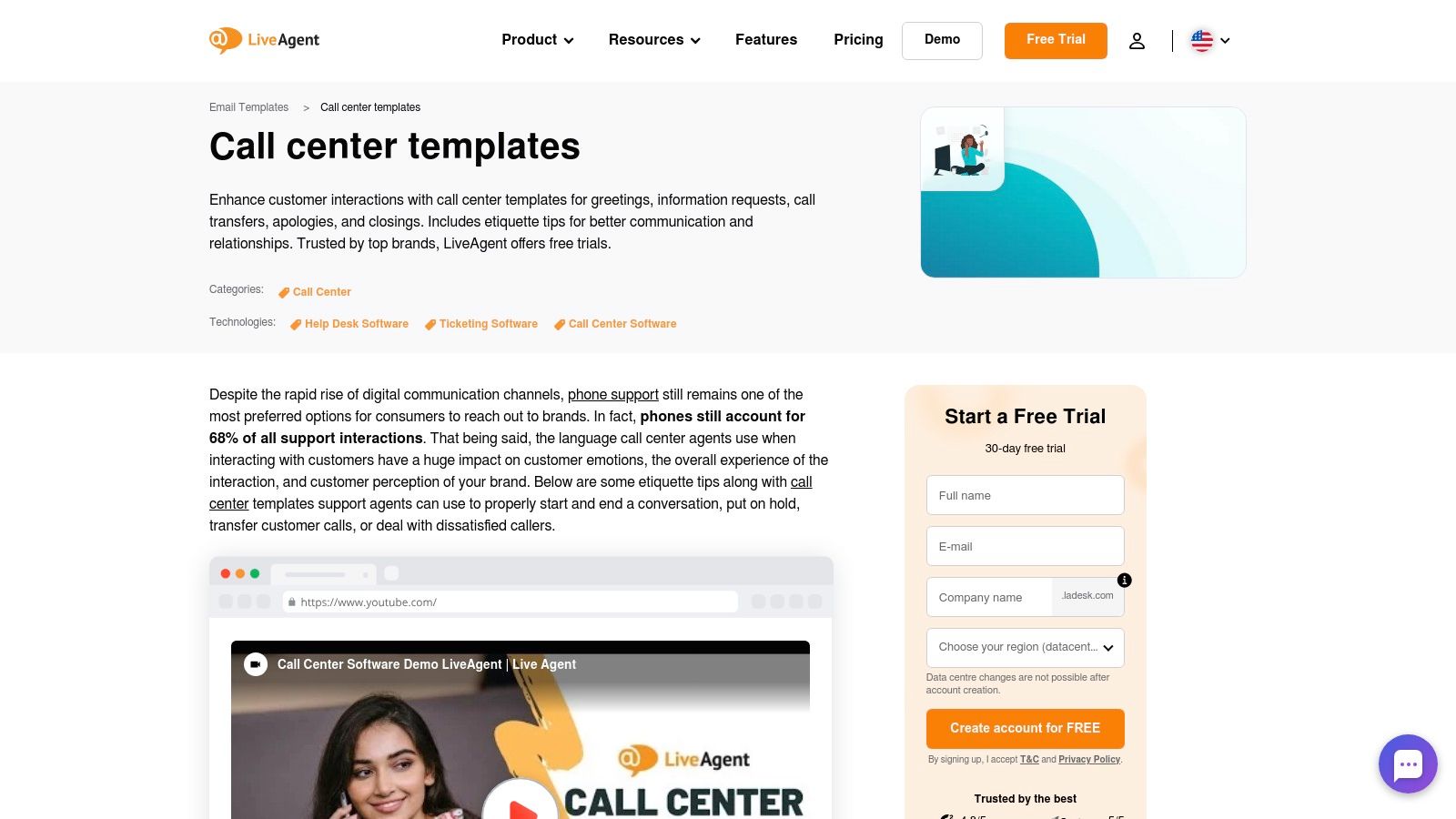
LiveAgent offers a practical, no-nonsense library of call center script templates presented as individual components rather than complete, narrative-style scripts. This modular approach makes it an excellent resource for businesses looking to quickly standardize key moments in a call, such as openings, information gathering, and closing statements. It's less of a full playbook and more of a "pick-and-choose" toolkit.
The content is organized into logical sections like “Call Opening,” “Apology,” and “Troubleshooting,” with multiple phrase options for each. This format is highly effective for training new CSRs on professional language or for quickly assembling a new script from proven building blocks. The one-click copy function allows you to grab a specific phrase and paste it directly into your internal training documents or CRM.
Core Offerings and Use Cases
- Modular Script Blocks: Provides copy-and-paste phrases for every stage of a call, from greetings to problem resolutions and escalations.
- One-Click Copy Functionality: A simple "Copy" button next to each script block makes it incredibly fast to build your own guide without manual highlighting.
- Practical Structure Advice: The resource includes tips on creating a logical script flow and maintaining a positive, professional tone throughout the interaction.
| Feature Evaluation | Assessment |
|---|---|
| Ease of Access | Excellent: All content is free and available directly on the webpage. |
| Customization | Good: Perfect for building custom scripts, but requires assembly. |
| Relevance | Broad: Covers general customer service principles applicable to any industry. |
Website: LiveAgent Call Center Templates
4. Dialpad
Dialpad offers a curated collection of practical call center script templates that are highly relevant for home service businesses focused on appointment setting and customer service. Unlike vast libraries, Dialpad narrows its focus to 10 essential scenarios, making its resource quick to digest and implement for specific, high-impact interactions.
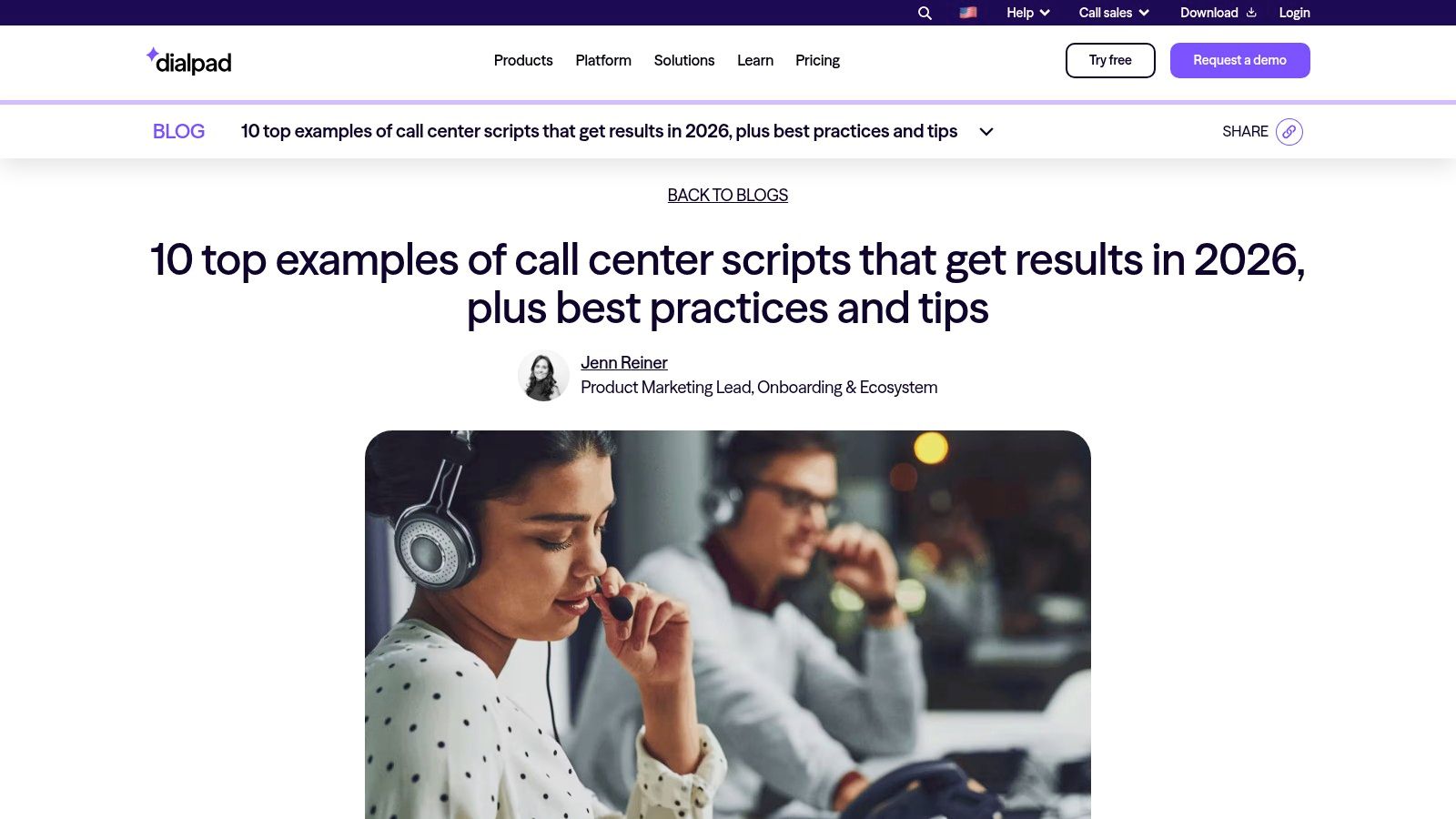
The templates are presented in a straightforward blog post format, allowing you to easily copy and paste them into your own training manuals or CRM. The phrasing emphasizes empathy and efficient problem-solving, which are crucial for handling common home service situations like scheduling appointments, addressing billing questions, and managing customer complaints.
Core Offerings and Use Cases
- Targeted Scenarios: Provides scripts for key interactions, including inbound service, outbound appointment setting, handling billing inquiries, and executing win-back calls.
- Empathy-Driven Language: The examples are built around best-practice phrasing that helps de-escalate issues and build customer rapport, a vital skill for CSRs.
- Easy Adaptation: The article-style layout makes it simple to extract and customize the scripts for your specific trade, whether you're in HVAC, plumbing, or electrical services.
| Feature Evaluation | Assessment |
|---|---|
| Ease of Access | Excellent: Completely free with no signup or registration required. |
| Customization | Good: Requires manual copy-pasting, but the scripts are concise and easy to modify. |
| Relevance | Strong: The scenarios are directly applicable to appointment-based service businesses. |
Website: Dialpad Call Center Scripts
5. Freshworks (Freshdesk Contact Center)
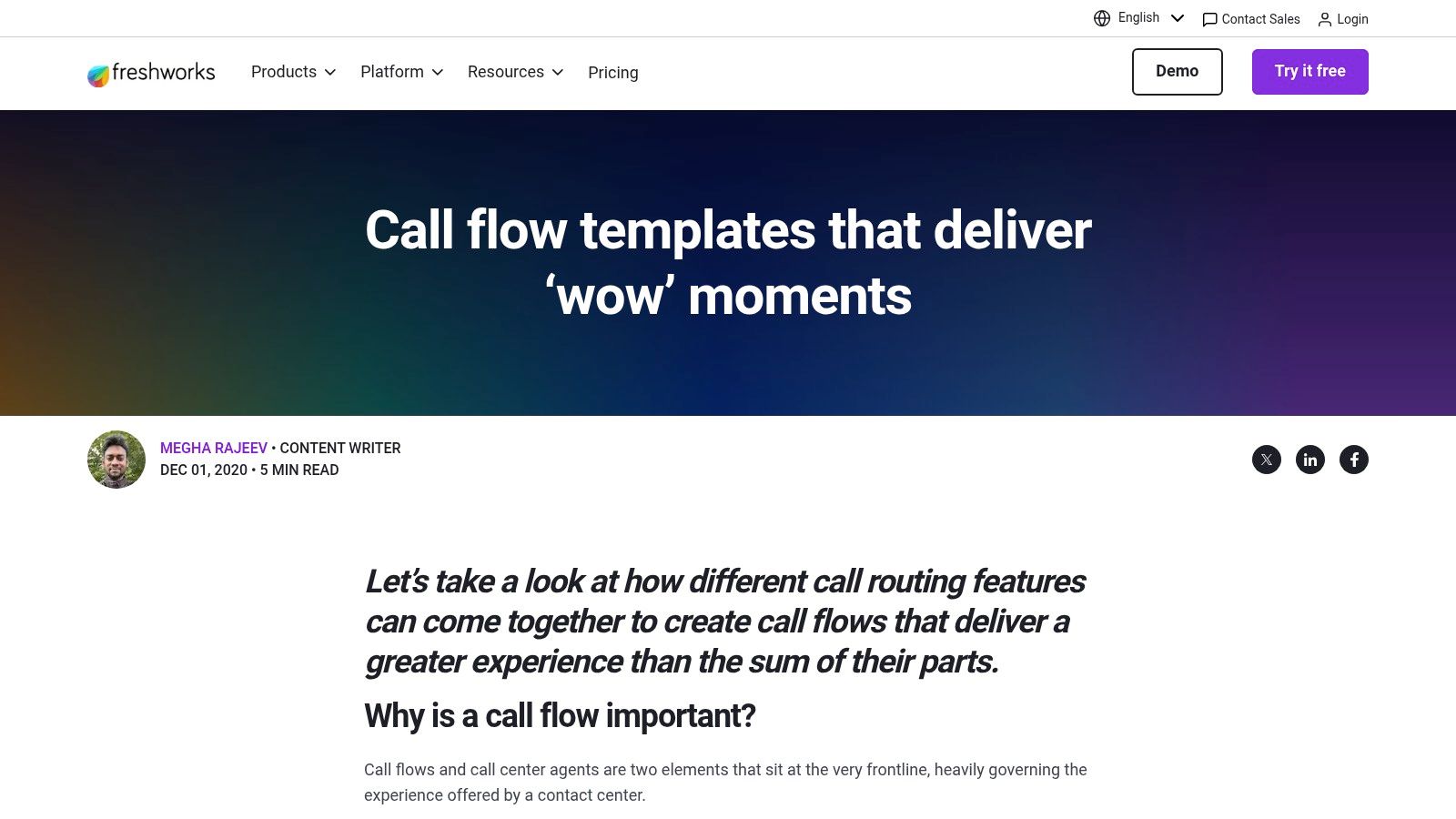
Freshworks takes a unique approach by focusing on the foundational structure of a call rather than just the spoken words. It offers call center script templates in the form of call flows and queue logic, which are essential for designing an efficient and customer-friendly inbound call experience. This resource is perfect for businesses looking to map out how calls are routed, what options customers hear, and when agents should intervene.
Instead of providing verbatim scripts, Freshworks provides visual templates for building effective Interactive Voice Response (IVR) systems and call queues. This helps home service businesses align their automated greetings, menu options, and wait-time messaging with the verbal scripts their CSRs use, creating a seamless journey from the first ring. It forces you to think about the entire customer interaction, not just the agent’s part.
Core Offerings and Use Cases
- Call Flow Templates: Visual guides help you design IVR menus, decide on routing paths for different service requests (e.g., "Press 1 for emergency plumbing, Press 2 for scheduling"), and script automated messages.
- Queue Management Logic: The templates provide best practices for managing wait queues, including when to offer a callback or direct callers to a voicemail, reducing caller frustration and abandonment.
- Complementary Resource: While it doesn't offer word-for-word scripts, it serves as an excellent strategic planner to use alongside a library of verbal scripts, ensuring your technology and your team are in sync.
| Feature Evaluation | Assessment |
|---|---|
| Ease of Access | Excellent: The resource is a free, ungated article. |
| Customization | Good: The templates are conceptual frameworks to be adapted to your specific business needs and phone system. |
| Relevance | Strategic: Focuses on the call structure, not specific home service scenarios, but is highly valuable for operational planning. |
Website: Freshworks Call Flow Template
6. Taskade
Taskade offers a unique approach by providing a ready-made call center script template within a collaborative workspace environment. Instead of a static document, this resource is a dynamic project that you can clone, customize, and share with your team, making it perfect for businesses with remote CSRs or virtual assistants who need access to a live, evolving playbook.
The key differentiator for Taskade is its integrated AI functionality. You can use AI to rewrite, expand, or adjust the tone of different script sections directly within the template. This makes rapid customization and iteration incredibly efficient. For a home service business, this means you can quickly generate multiple versions of an objection-handling script or refine your booking confirmation language without starting from scratch.
Core Offerings and Use Cases
- Cloneable Template: Start immediately with a pre-built structure that covers key call center interactions. You simply clone it into your workspace to begin editing.
- AI-Powered Customization: Leverage the built-in AI assistant to refine scripts, generate new ideas, or adapt language for specific customer personas, saving significant time.
- Collaborative Workspace: The template functions as a shared document, allowing managers and team members to comment, edit, and contribute to the script library in real time. This is ideal for training and maintaining consistency across a distributed team.
| Feature Evaluation | Assessment |
|---|---|
| Ease of Access | Good: Requires a free Taskade account to clone and use the template. |
| Customization | Excellent: Designed for deep, collaborative customization with AI assistance. |
| Relevance | Broad: The initial template is general, but easily adaptable to home services. |
Website: Taskade Call Center Script Template
7. ScriptCaller
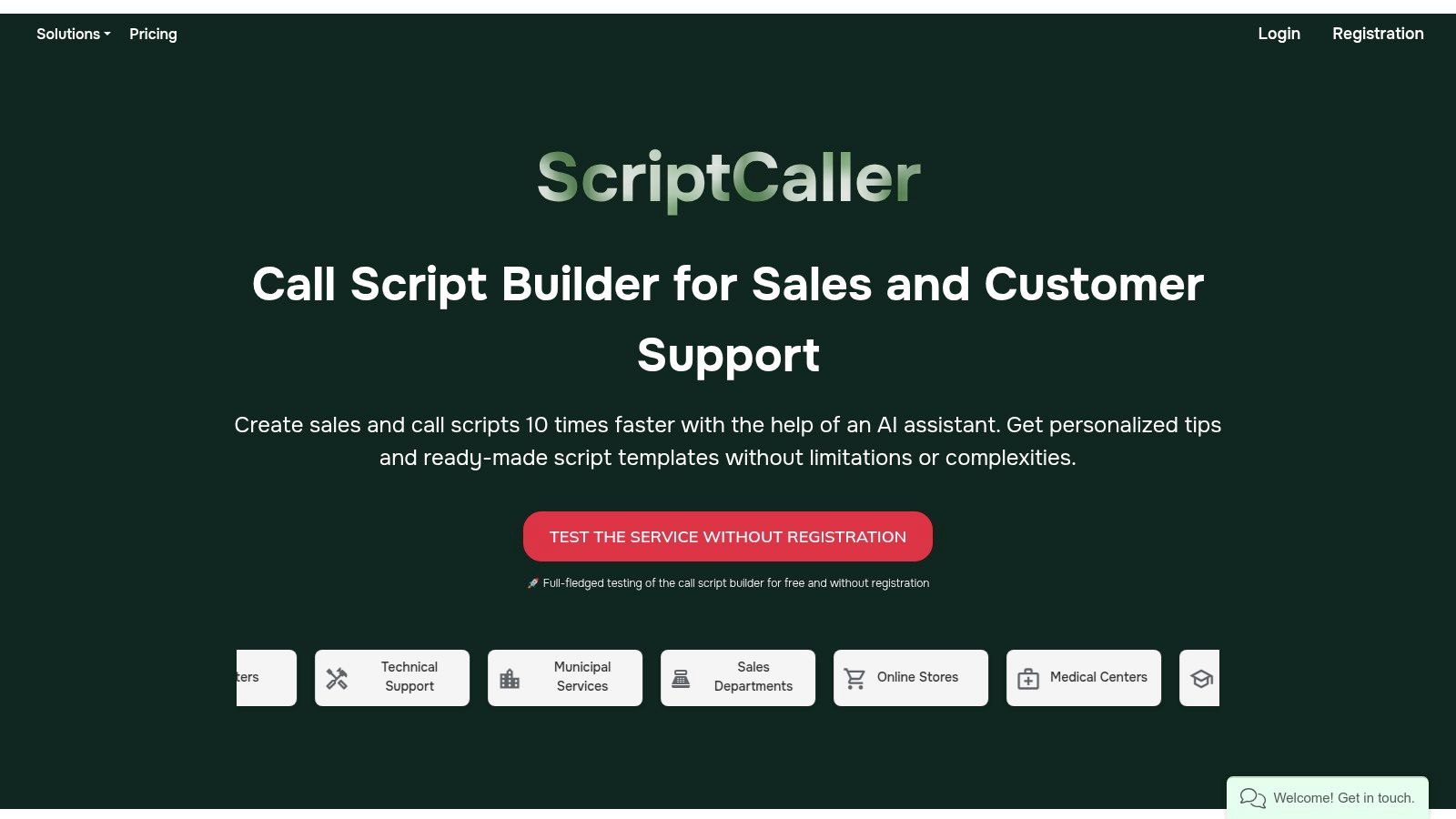
ScriptCaller is an AI-assisted, interactive platform specifically designed for building and managing call center script templates. It moves beyond static documents by offering a guided script builder that helps home service businesses create dynamic, standardized talk tracks for their teams. This tool is particularly useful for ensuring consistency in messaging, especially when onboarding new customer service representatives or virtual assistants.
The platform provides a library of pre-made templates as a starting point, which can then be customized using its editor. A standout feature is the ability to embed CRM data fields directly into the scripts, allowing for real-time personalization during a call. Its test mode lets you try the builder and experience the flow before committing, which is a significant advantage for assessing its fit for your business.
Core Offerings and Use Cases
- AI-Assisted Script Builder: Utilizes an AI editor and guided process to significantly reduce the time required to build comprehensive, logical call flows.
- CRM/Webhook Integration: Scripts can be designed to pull customer information (like name, service history, or location) directly from your CRM, enabling a highly personalized conversation.
- Team Standardization: Perfect for creating a master set of scripts for your entire team, ensuring every CSR follows the same best practices for appointment setting, objection handling, and lead follow-ups.
| Feature Evaluation | Assessment |
|---|---|
| Ease of Access | Good: Offers a free test mode without registration. Full functionality and pricing details require direct inquiry. |
| Customization | Excellent: The platform is built for deep customization with interactive elements and data fields. |
| Relevance | High: Designed specifically for call center operations, making its features highly relevant for service-based businesses. |
Website: ScriptCaller Call Scripts
8. Template.net
Template.net offers a more hands-on, document-based approach for businesses looking to quickly create and deploy standardized resources. Instead of an article, it provides editable call center script templates in universally accessible formats like Google Docs, Word, and PDF. This makes it incredibly practical for a home service business that needs to quickly brand a document, add specific service details, and distribute it to their team.
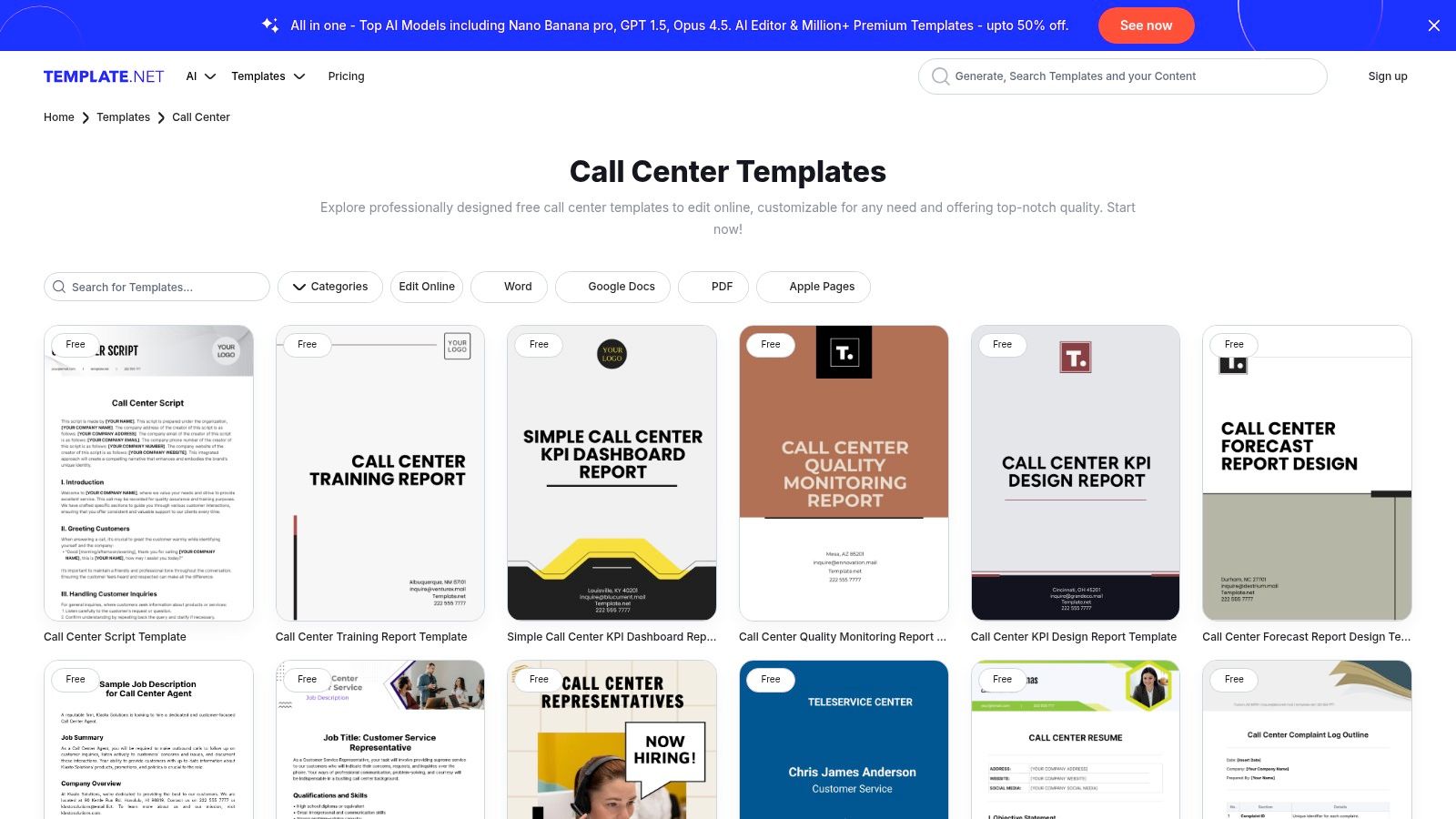
The platform’s key advantage is its vast library of related operational documents. You can find templates for quality assurance forms, standard operating procedures (SOPs), and flowcharts alongside your scripts. This allows you to build a cohesive training and management package from a single source, ensuring consistency from scripting to performance evaluation.
Core Offerings and Use Cases
- Multi-Format Downloads: Access templates in the format that best fits your workflow, whether it's the collaborative environment of Google Docs or a printable PDF.
- Editable Online: A built-in editor allows for quick customizations directly on the website before you even download the file.
- Comprehensive Resource Library: Beyond just scripts, you can download related documents like KPI trackers and QA forms to support a full-scale call center operation. This is ideal for businesses scaling their customer service department.
| Feature Evaluation | Assessment |
|---|---|
| Ease of Access | Good: Many templates are free, but the best ones often require a Pro subscription. |
| Customization | Excellent: Files are fully editable in common programs like Word and Google Docs. |
| Relevance | Good: Offers a solid structural template but requires significant customization for home service specifics. |
Website: Template.net Call Center Templates
9. BestTemplates
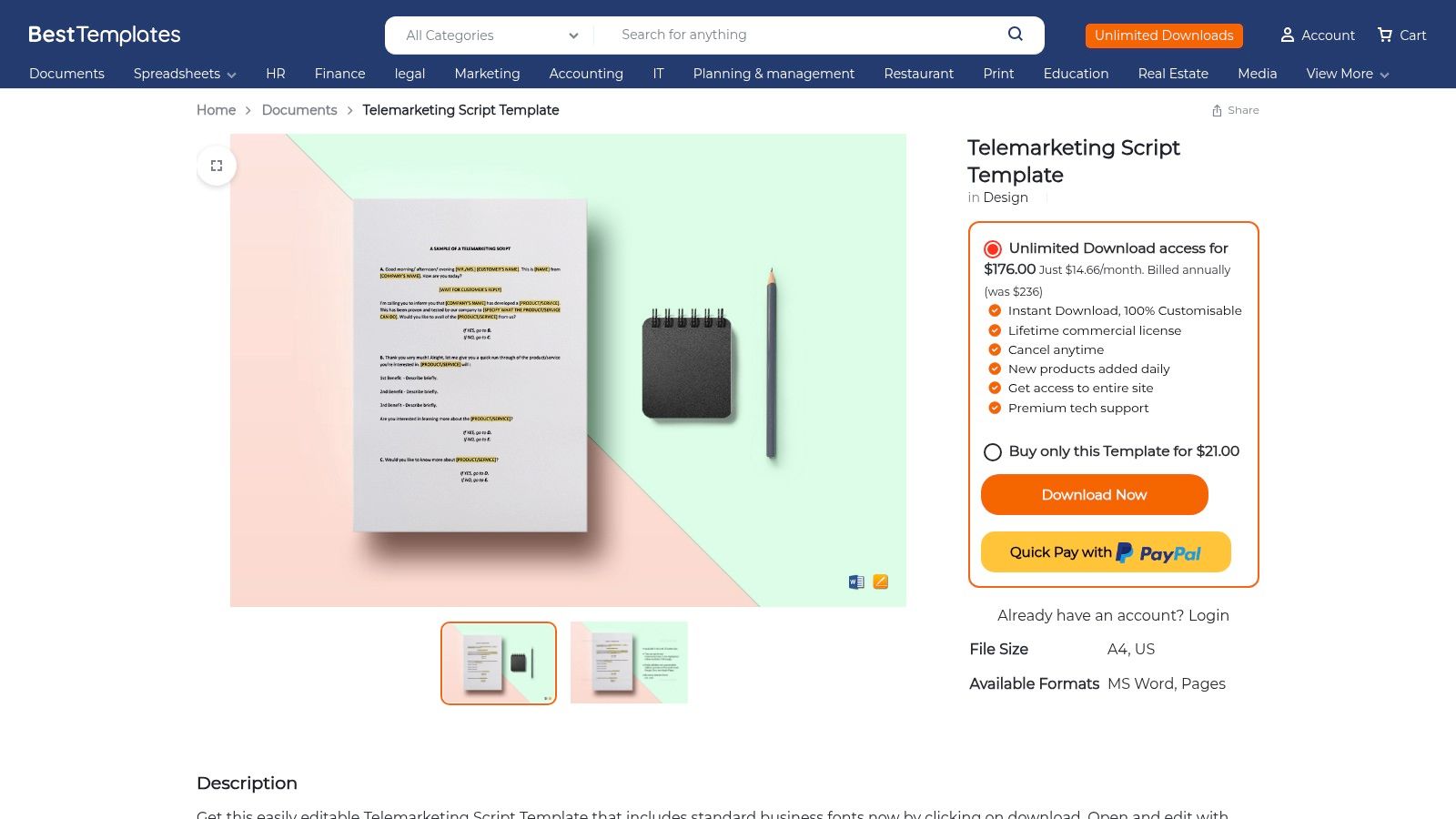
BestTemplates provides a straightforward, no-frills approach for businesses that prefer owning their documents outright. Instead of a web-based library, it offers a single, downloadable call center script template designed specifically for telemarketing and outbound appointment setting. This makes it an excellent choice for home service companies looking to quickly equip their sales team with a structured, professional script.
The primary benefit is simplicity and ownership. You purchase the template once and receive it in both Microsoft Word (.docx) and Apple Pages formats, ready for immediate editing. This file-based approach eliminates platform lock-in and allows for easy distribution and modification within your team using common software like Google Docs or Word.
Core Offerings and Use Cases
- Downloadable Files: Get instant access to .docx and Pages files compatible with US Letter and A4 paper sizes for easy printing and editing.
- Commercial Use License: The included license permits you to adapt and use the template for your business operations without recurring fees or legal concerns.
- Outbound Focus: The template is specifically structured for outbound calling, making it ideal for proactive lead generation, cold calling campaigns, or setting sales appointments.
| Feature Evaluation | Assessment |
|---|---|
| Ease of Access | Good: Requires a one-time purchase, but the download is instant. |
| Customization | Excellent: Fully editable in standard word processing software. |
| Relevance | Specific: Highly relevant for outbound sales but lacks inbound/customer service scripts. |
Website: BestTemplates Script Sample
10. Etsy
For businesses seeking highly specialized or design-focused call center script templates, Etsy offers a surprisingly diverse marketplace. Unlike traditional SaaS or content platforms, Etsy connects you with individual creators who design and sell niche digital products, often tailored to specific industries like interior design, coaching, or even home services.
The platform is ideal for finding unique, pre-formatted scripts that come as instant downloads in formats like Canva, PDF, or Google Docs. This allows for immediate implementation and easy customization. While the quality can vary from seller to seller, a quick check of reviews and seller ratings provides a reliable way to vet products before purchasing. The low-cost nature makes it a great option for testing different approaches without a significant investment.
Core Offerings and Use Cases
- Niche-Specific Templates: Discover scripts designed for unique roles, such as discovery calls for creative agencies or client intake for home organization businesses.
- Aesthetic and Functional Design: Many templates are created with visual appeal in mind, making them more engaging for CSRs and easier to follow than plain text documents.
- Instant Digital Delivery: Purchase and download your chosen template in minutes, allowing you to edit and deploy it on the same day.
- Seller Interaction: You can often communicate directly with the creator to ask questions about the template or even request minor customizations.
| Feature Evaluation | Assessment |
|---|---|
| Ease of Access | Excellent: Instant digital download after a low one-time payment. |
| Customization | Excellent: Templates are typically provided in editable formats like Canva or Docs. |
| Relevance | Highly Specific: Its strength is in niche, industry-specific scripts rather than general templates. |
Website: Etsy (Example: Interior Design Discovery Call Script)
11. Gumroad
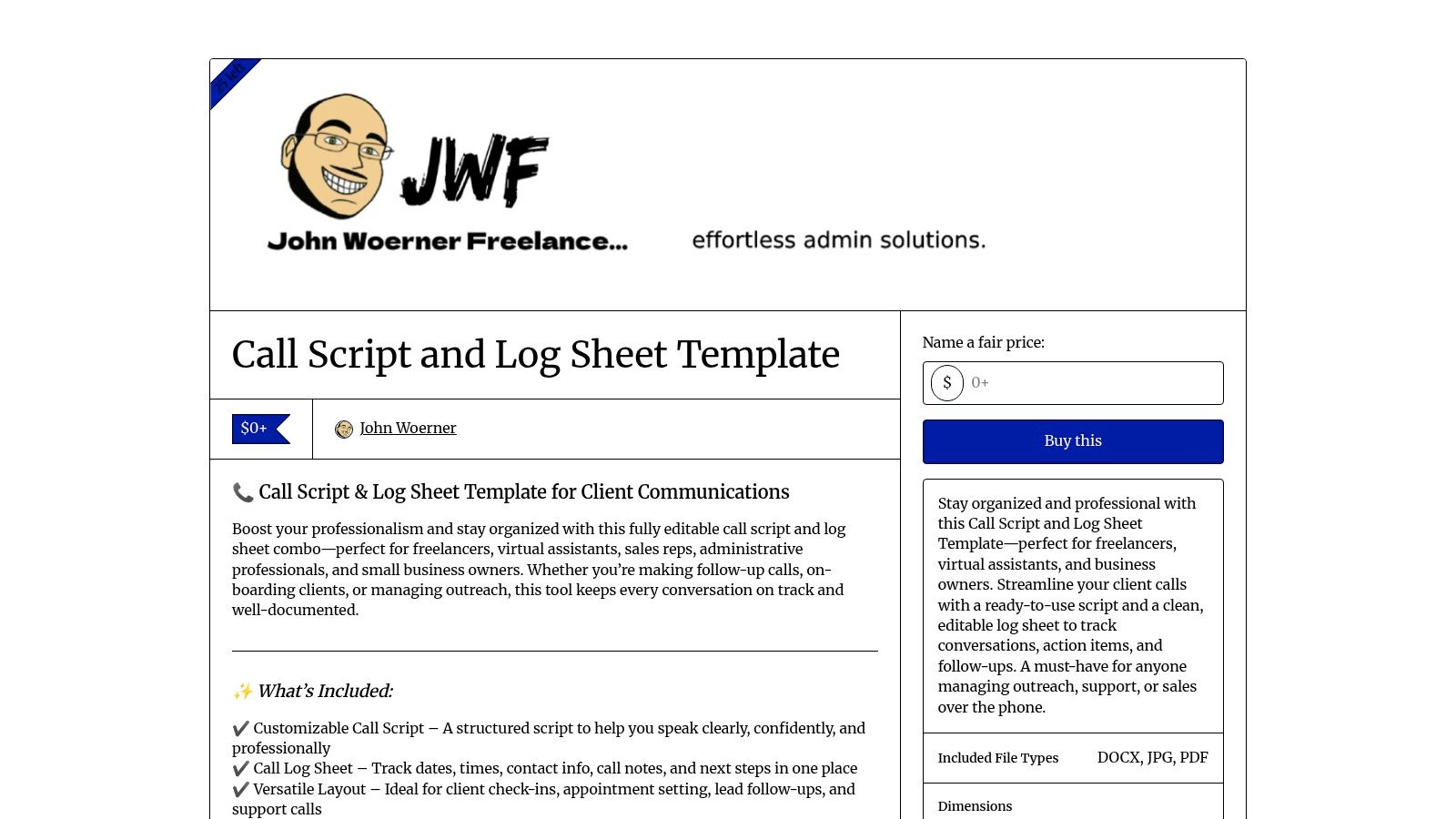
Gumroad operates as a marketplace for independent creators, offering a unique source for call center script templates directly from individuals with field experience. Rather than a standardized corporate library, you’ll find niche, purpose-built templates, often bundled with useful extras like call log sheets. This approach is perfect for business owners or managers looking for a specific, editable resource they can implement immediately.
These assets are typically sold as instant digital downloads in formats like DOCX or PDF, making them easy to edit and print for your CSRs or virtual assistants. The direct-to-creator model means you can often find highly specialized scripts for lead intake, follow-up calls, or specific administrative workflows that larger platforms might overlook.
Core Offerings and Use Cases
- Editable Template Bundles: Many creators offer combined packages, providing a call script and a corresponding log sheet to track call outcomes, notes, and follow-up actions.
- Instant Digital Delivery: Purchase and download files immediately, allowing you to customize and deploy new scripts within minutes.
- Direct Creator Support: A key benefit is the ability to message creators directly with questions, providing a level of support not found on larger content hubs.
| Feature Evaluation | Assessment |
|---|---|
| Ease of Access | Excellent: Instant downloads after purchase; no subscriptions required. |
| Customization | Excellent: Templates are usually provided in fully editable formats like .docx. |
| Relevance | Variable: Quality and relevance depend heavily on the individual creator; vetting is required. |
Website: Gumroad Call Script & Log Sheet Template
12. MaxContact
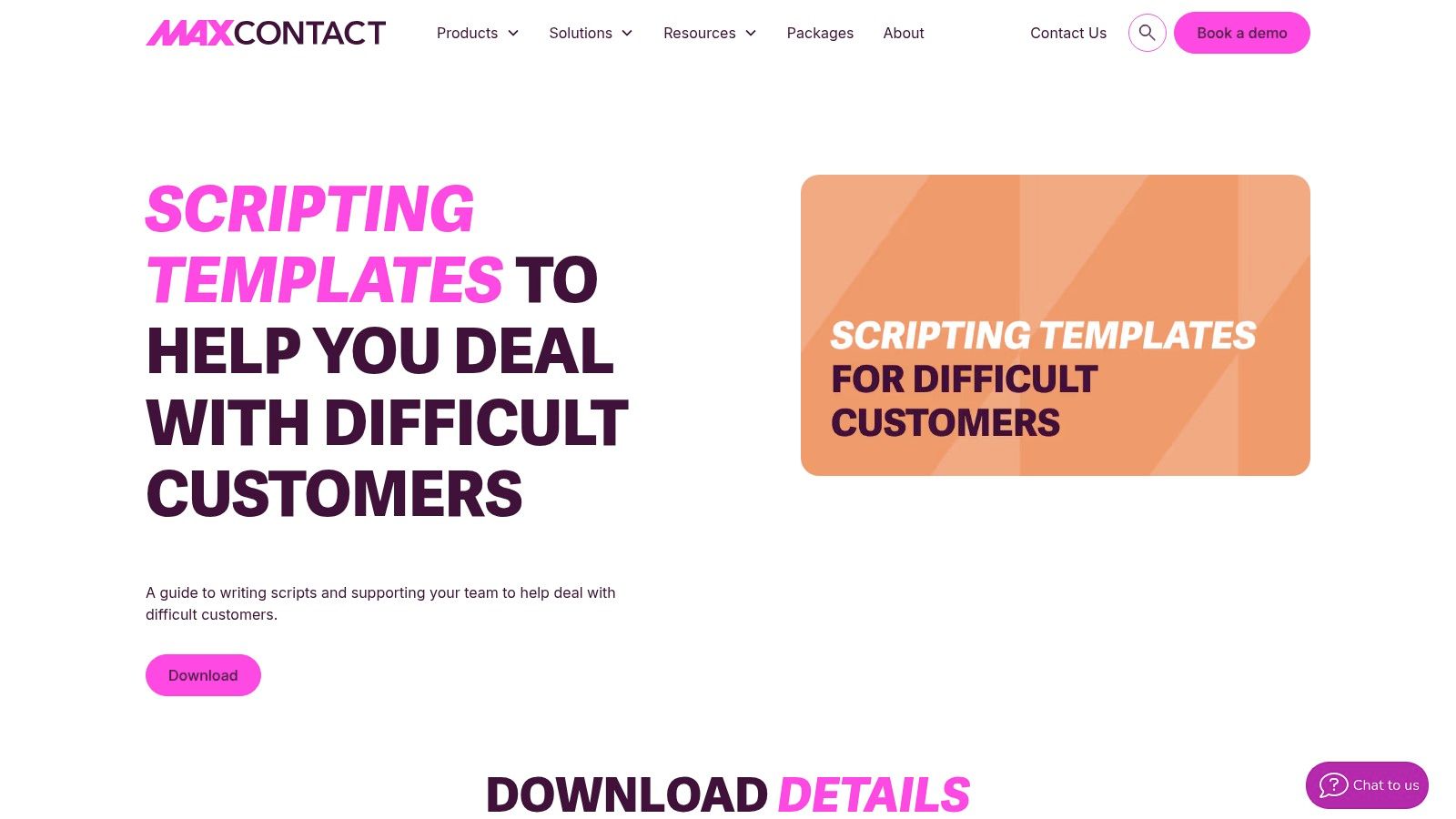
MaxContact provides a specialized, downloadable guide focused on one of the most challenging aspects of customer service: handling difficult interactions. While many resources offer general call center script templates, MaxContact’s strength is its dedicated focus on de-escalation, making it an essential supplement for training CSRs to manage complaints and frustration effectively.
This free guide equips your team with specific phrases and techniques to show empathy and steer conversations toward a positive resolution. Its multi-channel approach is particularly valuable, offering scripts for phone calls, webchat, SMS, and email, reflecting how modern home service businesses communicate with customers. The content is perfect for building out the "handling upset customers" section of your internal training manual.
Core Offerings and Use Cases
- De-escalation Language: Provides precise, empathetic phrasing to use when a customer is upset about a scheduling error, service issue, or billing dispute.
- Multi-Channel Scripts: Offers templates for handling complaints across phone, webchat, SMS, WhatsApp, and email, ensuring a consistent and professional tone.
- CSR Training Module: The downloadable guide can be used as a standalone training resource for teaching new hires how to navigate high-stress customer interactions.
| Feature Evaluation | Assessment |
|---|---|
| Ease of Access | Good: Free to download, though it may require submitting an email address. |
| Customization | Excellent: The downloadable format makes it easy to copy, paste, and adapt for your internal playbook. |
| Relevance | Highly Specific: Focuses exclusively on difficult customers, not general call flows. |
Website: MaxContact Scripting Templates
Top 12 Call Center Script Template Comparison
| Product | Key features | Quality ★ | Price/Value 💰 | Target & USP 👥 / ✨ |
|---|---|---|---|---|
| Zendesk | 88 scenario scripts, editable template, best-practice guidance | ★★★★ | Free / 💰 | 👥 Training & QA teams; ✨ comprehensive, regularly updated scenario library 🏆 |
| HubSpot | 45 service + 30 sales templates, editable Google Docs/Sheets | ★★★★ | Free (email gate) / 💰 | 👥 Sales & appointment teams; ✨ professional-grade, multi-channel playbooks |
| LiveAgent | Script blocks (openings/probing/resolutions), one-click copy | ★★★ | Free / 💰 | 👥 Onboarding CSRs; ✨ fast phrase library for standardization |
| Dialpad | 10 scenario templates, empathy-focused phrasing, easy copy/adapt | ★★★ | Free / 💰 | 👥 Trades & appointment setters; ✨ quick-to-adapt examples |
| Freshworks (Freshdesk) | IVR & call-flow templates, visual queue examples | ★★★ | Free resource (software separate) / 💰 | 👥 Ops teams aligning IVR + agent scripts; ✨ flow-to-voice alignment |
| Taskade | Cloneable script workspace + AI rewrite, team collaboration | ★★★★ | Free plan / Paid upgrades 💰 | 👥 Remote CSRs & VAs; ✨ living, collaborative playbooks |
| ScriptCaller | AI script editor, template library, CRM/webhook fields, test mode | ★★★★ | Pricing unclear / Paid 💰 | 👥 Call centers needing integrations; ✨ AI-guided builder for fast standardization 🏆 |
| Template.net | Editable call script + SOP/QA/KPI docs, multi-format downloads | ★★★★ | Free + Pro content / 💰 | 👥 Ops & training teams; ✨ multi-format packaged assets for rollout |
| BestTemplates | Downloadable .docx/.pages, US/A4 layouts, commercial license | ★★★ | One-off purchase / 💰 | 👥 Teams wanting file-based templates; ✨ no platform lock-in |
| Etsy | Niche seller-created scripts, instant PDFs/Canva/Docs | ★★★ | Low-cost / 💰 | 👥 Niche/home-service roles; ✨ hyper-specific, industry-focused scripts (vet sellers) |
| Gumroad | Editable DOCX/PDF scripts & log-sheets, instant creator delivery | ★★★ | Creator-priced / 💰 | 👥 VAs & CSRs needing simple guides; ✨ direct creator support & updates |
| MaxContact | De-escalation templates across phone/chat/SMS/email, empathetic phrasing | ★★★ | Free guide (form) / 💰 | 👥 Teams handling difficult customers; ✨ focused de-escalation language |
Stop Leaving Money on the Table: Let Experts Handle Your Calls
Throughout this guide, we've explored a comprehensive landscape of tools and resources, from sophisticated platforms like HubSpot and Dialpad to specialized repositories like ScriptCaller and Template.net. Our goal was to equip your home service business with a powerful arsenal of call center script templates designed to standardize communication, improve customer interactions, and ultimately, drive more booked jobs. You now have the foundational scripts for everything from handling inbound inquiries and following up on leads to navigating tricky objections and confirming appointments.
However, possessing the perfect script is only half the battle. The true differentiator between a call that converts and a call that falls flat lies in the execution. Implementation is where the real work begins, and it often reveals a new set of challenges for busy business owners.
From Scripts to System: The Implementation Hurdle
The most meticulously crafted script is ineffective in the hands of an untrained or inconsistent team. As you move from theory to practice, consider the significant operational lift required to make these scripts successful.
- Training and Onboarding: Each new CSR or VA needs to be thoroughly trained not just on the words to say, but on the tone, pacing, and brand voice. This isn't a one-time event; it requires ongoing coaching and quality assurance.
- Consistency and Quality Control: How do you ensure every agent delivers the same high-quality experience on every call? Monitoring calls, providing feedback, and managing performance takes dedicated time that most owners simply don't have.
- Technology and Management: Even with great scripts, you need the right systems to track calls, manage leads, and ensure seamless follow-up. Managing the agents who use this tech adds another layer of complexity.
- Adaptation and Optimization: Customer conversations evolve, and so should your scripts. Who on your team is responsible for analyzing call outcomes, identifying weak points in the scripts, and refining them for better results?
These are not minor administrative tasks; they are critical functions that directly impact your revenue and customer satisfaction. Juggling these responsibilities while also managing crews, marketing your business, and handling finances can quickly lead to burnout and, more importantly, missed opportunities. A single dropped call or a poorly handled objection isn't just a lost conversation; it's lost revenue.
The True Cost of a Missed Call
For a home service business, every incoming call is a high-intent, high-value opportunity. When that call goes to voicemail or is handled by an unprepared representative, the potential customer doesn't wait. They simply move on to the next name on their Google search, and your competitor gets the job. The same is true for outbound efforts; a hesitant cold call or a delayed lead follow-up squanders the investment you made to generate that lead in the first place.
The templates in this guide are your playbook, but you still need skilled players on the field to execute the plays effectively. The ultimate solution isn't just finding better call center script templates; it's about building a reliable, professional system that ensures every single call is handled perfectly, every single time. This is where a dedicated, expertly managed team becomes a non-negotiable asset for growth.
Tired of juggling scripts, training, and managing a phone team yourself? At Phone Staffer, we don't just give you the playbook; we provide the professionally trained, US-based CSRs to run the plays for you. Let our dedicated team handle your calls, follow up on every lead, and book qualified appointments directly on your calendar, so you can focus on running your business. Learn more about how Phone Staffer can transform your conversions.