
If you feel like you're drowning in leads but your revenue isn't growing, you're not imagining things. A lot of businesses face this exact problem. The core issue isn't a lack of opportunities—it's the absence of a solid system for managing them. This is what we call lead management: the way you track, qualify, and actually talk to potential customers until they're ready to buy. When this process is broken, money gets left on the table.
Why Your Lead Management Process Is Broken
Does your sales team seem perpetually busy but still miss their targets? That's the classic sign of a broken lead management process. It's not about working harder; it's about working smarter. When a promising lead goes cold, it's rarely one person's fault. It’s almost always a crack in the system.
Many home service companies I've worked with run on a "first-come, first-served" model. Every phone call, email, and form submission gets thrown into the same pile, treated with the same urgency. On the surface, this feels fair, but in reality, it's incredibly inefficient. Think about it: a lead who downloaded a brochure isn't the same as someone who filled out a form asking for an immediate project quote. Yet, they often end up in the same inbox, fighting for the same salesperson's attention. This is where the whole thing starts to unravel.
The Overwhelmed Sales Team
When every lead is treated as a top priority, your sales reps get buried. Fast. They burn precious hours chasing down people who are "just looking" or aren't a good fit, while the genuinely hot prospects are stuck waiting. This isn't just inefficient; it’s a direct path to burnout and a team that’s lost its motivation.
The data backs this up. The average company pulls in around 1,877 leads every month, but a staggering 41% of them admit they can't respond quickly. It gets worse. Nearly half of all sales reps feel too swamped to follow up with every lead, and one of their biggest complaints is the poor quality of the leads they're given in the first place. You can discover more insights about these lead generation stats to see just how common these problems are. It points to a massive disconnect between getting a lead and turning it into a sale.
The real cost of a broken system isn't just the leads you lose; it's the momentum you never build. Every missed follow-up and misqualified contact erodes your sales engine's potential.
Common Lead Management Pitfalls and Their Impact
To really pinpoint where your own process might be failing, it helps to look at the most common mistakes I see time and time again. These aren't just isolated slip-ups; they're symptoms of a disorganized system that's quietly sabotaging your growth.
Here’s a breakdown of the most frequent mistakes in lead management and the real damage they cause.
Common Lead Management Pitfalls and Their Impact
| Common Pitfall | Direct Impact on Sales | Long-Term Consequence |
|---|---|---|
| Slow Response Times | High-intent leads go cold or choose a competitor. | Damage to brand reputation; seen as unresponsive. |
| No Lead Qualification | Sales reps waste hours on low-quality prospects. | Decreased team morale and high employee turnover. |
| Inconsistent Follow-up | Potential deals are abandoned prematurely. | Inaccurate sales forecasting and unpredictable revenue. |
| Poor Handoffs | Critical information is lost between marketing and sales. | A disjointed and frustrating customer experience. |
Recognizing these pitfalls is the first step. When you can see exactly where the leaks are, you can finally start patching them and building a system that actually drives sales instead of hindering them.
Building Your Lead Qualification Framework
Before your sales team can even think about closing deals, they need a playbook. A lead qualification framework is exactly that. It's not just a set of rules; it's a structured, repeatable system for sizing up every single prospect that comes your way. This ensures your team focuses its valuable time on opportunities that actually have a chance of converting, instead of chasing ghosts.
Without a solid framework, you’re essentially flying blind. You're guessing. The whole point of effective lead management is to ditch the guesswork and install a consistent, data-driven process. The real goal here? Sift out the window shoppers from the serious buyers, and do it fast.
It all starts with getting crystal clear on who your best customers really are.
Define Your Ideal Customer Profile
Your Ideal Customer Profile (ICP) isn't just a vague description of a company that might buy from you. It’s a hyper-specific blueprint of the perfect organization you want as a client. We're not talking basic demographics here; we're talking firmographics—the nitty-gritty details of a business that make it a perfect match for what you offer.
Let's imagine you're a B2B SaaS company selling project management software to construction firms. Your ICP might look something like this:
- Industry: Commercial or residential construction.
- Company Size: Between 25-100 employees. This is the sweet spot—big enough to need a dedicated tool but small enough that you're not stuck in a year-long procurement process.
- Annual Revenue: Over $5 million, which tells you they likely have the budget for a new software subscription.
- Pain Points: They're actively wrestling with project delays, going over budget, and struggling with messy team communication. These are the exact headaches your software is designed to cure.
Think of your ICP as a filter. When a new lead lands on your desk, the very first question is simple: "Does this company fit our ICP?" If it's a 'no,' they probably aren't worth the chase right now.
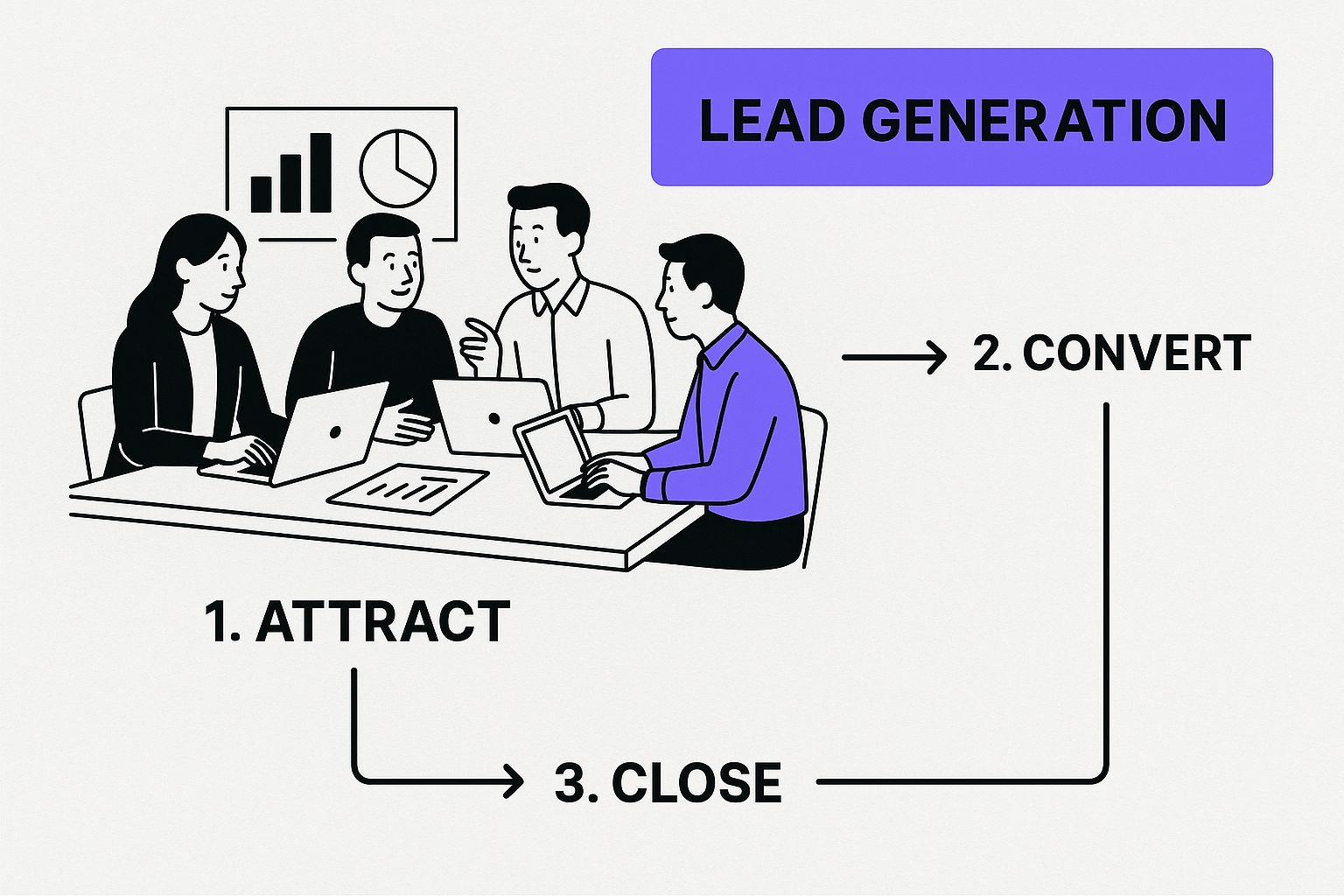
Defining your target audience and lead sources isn't just a box to check; it's the foundation that supports your entire qualification machine.
Master MQLs and SQLs
Once you know who you're looking for, you need a way to gauge how ready they are to buy. This is where truly understanding the difference between Marketing Qualified Leads (MQLs) and Sales Qualified Leads (SQLs) is a game-changer for managing your sales pipeline.
An MQL is a lead who's interacted with your marketing but isn't quite ready for a sales conversation. They fit your ICP and have shown some interest—maybe they downloaded an eBook or sat through a webinar. They're warm, but they're not hot.
A Sales Qualified Lead (SQL), on the other hand, is an MQL who has crossed a line. They've taken a specific action that signals a clear intent to make a purchase. They're done with passive learning; they've raised their hand and are asking for help.
An MQL says, "I'm interested in learning." An SQL says, "I'm interested in buying." Getting this distinction right is what keeps your sales reps from pouncing too early and allows them to focus on deals that are actually ripe for closing.
Let’s go back to our construction software example. A project manager who downloads your whitepaper on "5 Ways to Reduce Project Delays" is a classic MQL. But when that same manager fills out a form to request a personalized demo? That’s an SQL. That's the green light for your sales team to get on the phone immediately. Building this clear handoff is how you turn a chaotic process into a predictable sales engine.
The Art of Keeping Leads Warm
You've done the hard work and qualified a lead. They’re a perfect fit. It's so tempting to go straight for the close, right? But here's a reality check from years in the trenches: most qualified leads aren't ready to pull the trigger the moment you talk to them. This is the exact point where great sales teams pull ahead, while others see promising deals fizzle out.
This is where nurturing comes in. It’s not about high-pressure tactics; it’s about building a relationship. You're staying on their radar by being helpful, not pushy. The whole idea is to guide them toward a decision when they're ready, not when you are. It completely changes the conversation from a hard sell to a helpful partnership.
Give, Don't Just Ask
So many nurturing sequences fall flat because they're all about the seller's needs. You know the ones—endless "just checking in" emails and calls that add zero value. That's a surefire way to get your emails deleted or, even worse, get flagged as spam.
A powerful nurturing sequence, on the other hand, is all about the lead's world. Every time you reach out, you should be aiming to help them, educate them, or make their life easier in some small way.
Let’s look at a real-world example. Imagine you run a home services company and just spoke with a homeowner who’s thinking about a kitchen remodel.
- The Annoying Approach: Sending a weekly email that just asks, "Ready for that kitchen remodel quote?" and then calling with the same tired question.
- The Advisor Approach: A much smarter, multi-channel sequence. Start with an email sharing a blog post like "5 Common Mistakes to Avoid in a Kitchen Remodel." A few days later, send a quick text: "Hey, saw you were looking at remodel ideas. Thought you might find our free Budget Planning Checklist useful."
See the difference? The second approach immediately positions you as a helpful expert, not just another contractor chasing a check.
The most powerful shift you can make in your sales process is moving from "Are you ready to buy?" to "How can I help you make the best decision?" This simple change in mindset builds incredible trust and ensures you’re the first person they think of when it's time to sign on the dotted line.
Mix Automation with a Human Touch
Great lead nurturing isn't just about setting up a fancy email drip campaign and forgetting about it. The real magic happens when you blend smart automation with well-timed, personal interactions. Using multiple channels ensures your message is heard without becoming background noise.
Here’s what that looks like in practice:
- Automated Value-Add: The lead automatically gets an email with something genuinely useful, like a case study from a similar project you completed.
- Personalized Nudge: Your sales rep (or a remote CSR) follows up with a short, personal email. Something like, "Hi [Name], hope that case study on the Miller kitchen was helpful. I remember their big goal was creating more space—is that a priority for you too?"
- The Warm Call: If the lead opens or clicks that email, it's the perfect trigger for a follow-up call. It's no longer a cold call; it's a relevant, timely conversation.
This balanced system keeps your follow-up consistent while injecting the human element that actually seals the deal. To make sure your outreach is effective, you need to track the right things. For a closer look, check out our guide on the most important call center performance metrics to monitor.
Don't underestimate the impact of getting this right. Companies that excel at lead nurturing see a 20% increase in sales opportunities and a staggering 50% boost in conversions, all while cutting their cost per sale by 33%. What's more, nurtured leads move through the pipeline 23% faster and spend 47% more over their lifetime. Yet, an astonishing 65% of marketers haven't put a formal nurturing strategy in place. Discover more insights about these crucial sales statistics and see just how big the opportunity is.
Ready to Scale? Bring in Remote Reps to Handle the Outreach

So, your system for qualifying and nurturing leads is finally humming along. That’s great news, but it usually creates a brand-new problem: you’ve run out of time. Your best closers are a precious, limited resource. You can't afford to have them spend their days making initial calls or chasing down prospects who aren't ready to buy.
When you hit this wall, it’s the perfect time to bring in some help. This is where remote Customer Service Representatives (CSRs) or Virtual Assistants (VAs) can completely change the game for your sales process. You're essentially building a dedicated team for all your top-of-funnel work—making that critical first contact and setting solid appointments. This frees up your senior sales team to focus on what they do best: closing high-value deals.
Finding and Training Your Remote Team
Getting the right people on board is everything. You aren't just looking for a warm body to read a script. You need sharp communicators who are persistent and don't crumble after hearing "no" a few times. During interviews, I always pay close attention to their tone, how clearly they speak, and whether they can think on their feet when I throw them a curveball question.
Once you’ve made a hire, training is non-negotiable. These reps become the voice of your company, so they need to truly get what you do and what makes a lead a good fit. A solid training program for a remote outreach team must cover:
- Your Ideal Customer Profile: They have to know exactly who they’re calling and why that person should care.
- The Core Pain Points: What specific problems do you solve? They need to speak that language fluently.
- Handling Objections: Arm them with proven ways to handle the classics, like "I'm not interested" or "Now's not a good time."
- Mastering the Tech: Get them comfortable and proficient with your CRM and any calendar booking tools you use.
Putting in this effort upfront pays off massively. It ensures they represent you professionally and, more importantly, only book high-quality appointments. Many businesses I've worked with find that a great virtual assistant for a small business can quickly become the engine of their entire sales operation.
The Initial Call Playbook
Your remote team needs a playbook, but not a rigid, robotic script. Think of it more as a guide that outlines the call's mission and key talking points. The primary goal for this first touchpoint is incredibly simple: qualify the lead and book a meeting with a closer. That's it.
A winning call structure usually breaks down into three parts:
- The Opener: A quick, confident intro of themselves, the company, and why they're calling. It helps to immediately reference the lead's action, like, "Hi, I'm calling from [Your Company] because I saw you just downloaded our guide on…"
- The Qualification: A few sharp, strategic questions to confirm they fit your customer profile and are actually dealing with the problems you solve.
- The "Close" (for the appointment): If they're a good fit, pivot to booking the next step. Try something natural: "Based on what you've shared, it really sounds like a conversation with one of our specialists would be worthwhile. Do you have 15 minutes to connect on Tuesday or Thursday?"
The single most important job for your remote outreach team isn’t to sell. It's to secure the next conversation. Their entire focus should be on getting a qualified appointment onto a closer's calendar.
By systemizing your initial outreach with remote reps, you build a predictable and scalable machine for generating sales meetings. This structure ensures every lead gets a prompt follow-up, is qualified the right way, and moves to the next stage without burning out your best people.
Mastering the Calendar Booking Handoff
If there's one place where sales processes fall apart, it's the handoff. I've seen it happen time and time again. You put in all the effort to qualify and warm up a lead, only for a clumsy transition to the sales closer to kill the momentum. The deal dies before it even has a chance.
The solution isn't some complex, expensive software. It’s about ditching the endless email chains and phone tag for a simple, automated booking system.
Think about it from the lead's perspective. When your remote CSR qualifies someone on the phone, the last thing they want to hear is, "Okay, great, someone from our sales team will call you back soon." That's a recipe for a lost lead.
Instead, the conversation should end like this: "I can actually book a 15-minute slot with our specialist for you right now. How does Tuesday at 2 PM sound?"
This one small change does two massive things for you. First, you get a firm commitment from the lead while they're engaged and interested. Second, it completely cuts out that frustrating game of phone tag that lets hot leads turn ice-cold.
Setting Up Your Booking System for Success
For this to work, your booking link needs to be more than just a link to a calendar. It needs to be a bridge that prepares both the prospect and your sales closer for a conversation that actually goes somewhere.
Here’s how I recommend setting up your system to make a real impact:
- Create Custom Event Types: Use a tool like Calendly to set up specific meeting types. Don't just have one generic link. Create options like a "15-Minute Discovery Call" or a "30-Minute Project Demo." This immediately sets clear expectations.
- Build in Buffers: This is non-negotiable. Always add automated buffers before and after your meetings. A 10-15 minute buffer gives your closers breathing room to review the lead's info beforehand and debrief afterward without feeling rushed.
- Ask Smart Intake Questions: Your booking form is prime real estate. Use it to ask a few key qualifying questions. If you're in home services, you could ask, "What's your ideal timeline for this project?" or "What's the biggest challenge you're currently facing?" This information is pure gold for the sales closer walking into the call.
Here’s what a clean, professional booking page looks like to a potential customer. It’s simple and gets straight to the point.

The interface is built around the user, which removes friction and makes it incredibly easy for them to schedule a time that works. A smooth process like this doesn't just feel better for the customer; it dramatically increases the odds they'll actually show up.
The goal isn't just to get an appointment on the books. It's to set the stage for a high-quality, informed conversation. A solid calendar handoff handles the logistics so your sales team can do what they do best: build relationships and close deals.
Finally, don't forget your secret weapon against no-shows: automated reminders. Most booking platforms can be configured to send out email and SMS reminders 24 hours and 1 hour before the scheduled time. These little nudges are incredibly effective at protecting your closers' time and can slash your no-show rate.
By getting this handoff right, you turn a common bottleneck into one of the most powerful accelerators in your entire sales cycle.
Common Questions About Managing Sales Leads
https://www.youtube.com/embed/5xUPc5o4f5g
Diving into a new way of handling your sales leads is a big step, and it’s natural for some questions to pop up. It’s completely normal to have doubts about the tech, getting your team on board, and actually proving that all this effort is paying off. Let's tackle some of the most common concerns I hear from business owners.
One of the first things people get stuck on is picking the right software. With a million different tools out there, it’s easy to get overwhelmed. My advice? Start simple. You don't need a massive, bells-and-whistles platform right out of the gate.
A basic CRM and a good calendar booking tool can do most of the heavy lifting for tracking leads and scheduling appointments. Focus on tools that fix your biggest headaches right now—like automating the booking process—instead of getting bogged down by a system that’s too complex for your current operation.
How Do I Measure the ROI of This New System?
You absolutely have to prove that a new process is worth the time and money. The best way I’ve found to measure the return on investment (ROI) is to track a handful of key numbers before and after you make the switch. This gives you cold, hard data to show what's working.
Start by getting a baseline for these metrics:
- Lead Response Time: How many minutes or hours does it take for a new lead to get that first phone call or text? A tight system should slash this down to almost nothing.
- Appointment Set Rate: What percentage of qualified leads actually end up on your calendar as a booked meeting? This number is a direct reflection of how effective your outreach is.
- No-Show Rate: How many of those booked appointments are ghosted? When this number drops, it's proof that your automated reminders and handoffs are working.
- Sales Cycle Length: From first contact to a closed deal, how long does the entire process take? A smoother system will naturally shorten this cycle.
After running the new system for a quarter, compare the new numbers to your old ones. You'll have a powerful story to tell. For example, if your appointment set rate jumps by 25%, you've just given your sales team 25% more shots on goal.
Handling the Transition with Your Team
Getting your team to embrace a new system is just as crucial as the technology itself. Change can be tough, especially if people are set in their ways—even if those ways are clunky and inefficient.
The secret to a smooth transition is to show your team how this makes their jobs easier, not harder. You have to frame it as a tool that gets rid of the grunt work so they can focus on what they do best: building relationships and closing sales.
Walk them through it. Show them how a remote CSR taking those initial calls means their calendar will be filled with genuinely interested prospects who are ready to talk business. Point out how automated booking kills the endless email tag they despise.
Once they realize the system is designed to help them hit their targets (and make more money), you won't just get buy-in; you'll get genuine enthusiasm.
Ready to stop chasing dead-end leads and start filling your calendar with appointments that actually close? At Phone Staffer, we provide trained remote CSRs and cold callers who specialize in booking meetings for home service businesses. Learn how our done-for-you service can transform your lead management process.