

For any home service business, the right software stack is no longer a luxury. It's the engine that drives efficiency, captures leads, and scales operations. But with thousands of tools available, where do you even begin your search for the top small business apps? The answer isn't just about finding individual applications; it's about knowing where to discover, compare, and properly vet them to ensure they fit your unique operational needs.
This guide cuts through the noise. We will explore the premier marketplaces and software directories where you can confidently select the best tools for your business. We move beyond simple lists and provide a strategic overview of platforms that house apps designed to integrate with the systems you already rely on, from your accounting software to your CRM. Building an interconnected tech stack is critical for growth, and knowing where to look is the essential first step.
Inside this resource, you'll find a detailed breakdown of each platform, complete with screenshots and direct links to help you start exploring immediately. We will cover everything from the massive mobile app stores like Apple and Google Play to specialized marketplaces like the Intuit QuickBooks App Store and the HubSpot App Marketplace. We will also analyze powerful review and comparison sites like G2 and Capterra, so you can see how different tools stack up. To help in your quest for the best applications, this guide offers insights into choosing the right type of Customer Service Software for Small Businesses. This list is your starting point for building a more powerful, streamlined, and profitable home service business.
1. Apple App Store – Business category
For small business owners running their operations on iPhones or iPads, the Apple App Store's Business category is the essential starting point. It’s not a single app, but the primary marketplace for discovering and managing a suite of mobile tools. This centralized hub provides access to everything from advanced CRMs and scheduling software to simple invoicing and payment processing apps.
What makes it indispensable is its deep integration into the Apple ecosystem. One Apple ID can manage purchases and downloads across all company devices, simplifying software deployment. Furthermore, Apple’s rigorous review process provides a layer of trust and security not always present in other marketplaces.
Core Features & Use Cases
- Curated Collections: Discover themed app groups like "Apps for Contractors" or "Essential Business Tools," which helps you find relevant software faster.
- Device Integration: Use Apple Pay for in-app purchases or Face ID for secure logins, streamlining day-to-day operations.
- Ratings and Reviews: Vet potential apps by reading detailed feedback from other business owners, a crucial step before committing to a new system.
Pros & Cons
| Pros | Cons |
|---|---|
| Massive selection of vetted, high-quality business apps. | Installation requires an Apple device; you can't install from the web. |
| Trust and security from Apple's app review process. | Can be overwhelming without a clear idea of what you need. |
| Centralized management of apps and subscriptions via Apple ID. | Platform policy changes can sometimes affect app availability or fees. |
How It Works With Phone Staffer
The App Store is where you’ll find the mobile apps for many of the tools we recommend, such as CRMs or scheduling platforms. A virtual receptionist from Phone Staffer can directly access the web-based versions of these tools to book appointments or update client records, ensuring seamless integration even if your primary access is through an iPhone app.
Website: https://apps.apple.com/us/iphone/grouping/152545
2. Google Play Store – Business apps
For small businesses that rely on Android devices, the Google Play Store's Business category is the definitive gateway to a world of powerful applications. As Android’s official marketplace, it offers a vast selection of tools for nearly every business need, from field service management and payment processing to time tracking and communication apps perfect for teams on the move.
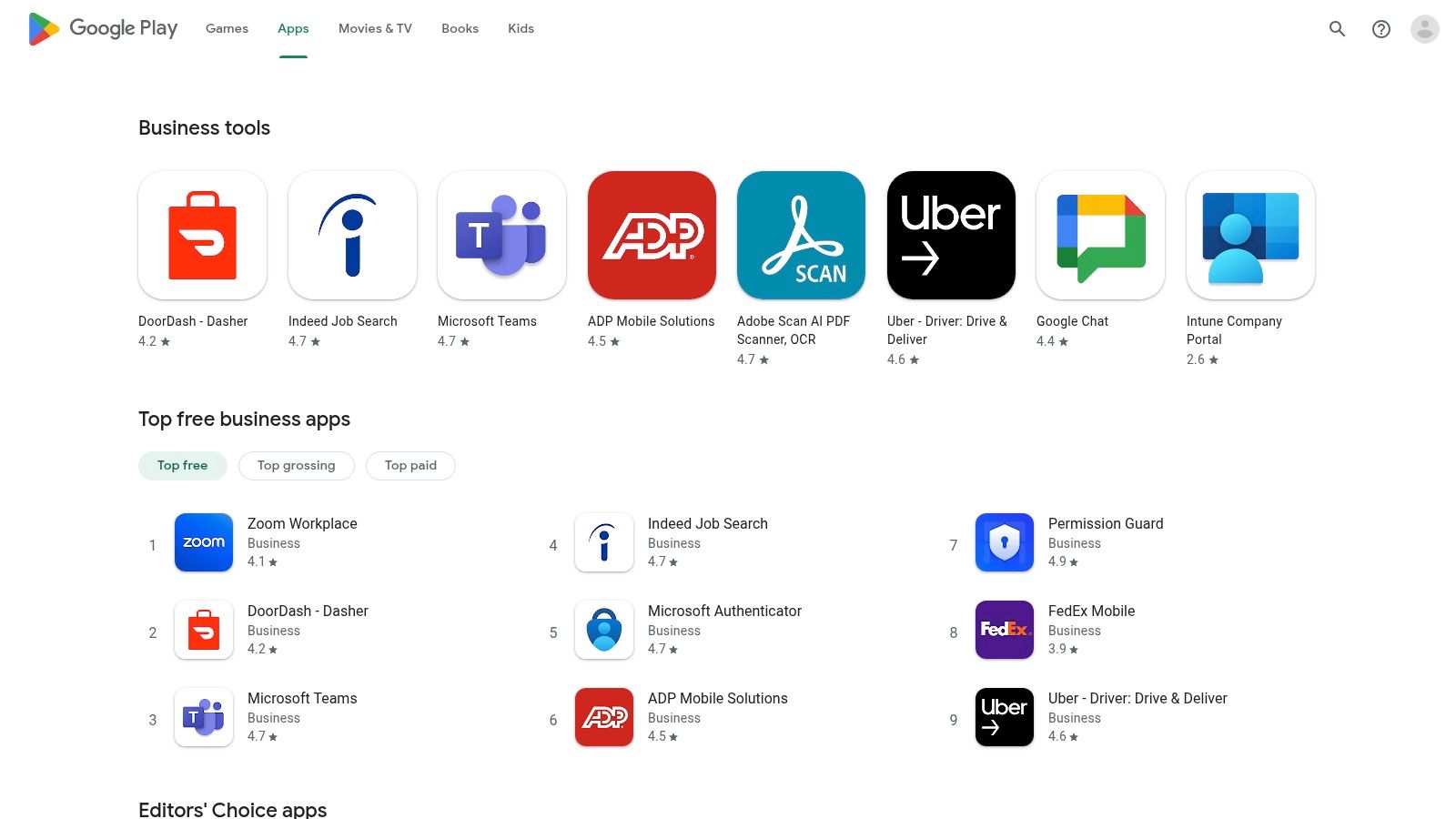
Its strength lies in its incredible diversity and accessibility, especially for businesses equipping technicians and field staff with cost-effective Android phones or tablets. Using a single Google account, a business owner can manage and deploy essential apps across multiple devices, creating a standardized and efficient tech stack for the entire team. This makes it an essential resource among the top small business apps available today.
Core Features & Use Cases
- Broad Device Compatibility: Apps work across a wide range of devices, including Android phones, tablets, and even ChromeOS laptops, offering flexibility for office and field staff.
- User Ratings and Reviews: Make informed decisions by leveraging community feedback to gauge an app's quality, reliability, and suitability for your specific business needs.
- Android Enterprise Integration: For larger teams, you can create a managed version of the Play Store to control which apps employees can install, enhancing security and consistency.
Pros & Cons
| Pros | Cons |
|---|---|
| Massive catalog with a vast number of free and affordable apps. | Quality can vary; requires careful vetting through reviews. |
| Easy deployment across multiple Android devices for entire teams. | Policy changes or a lack of updates can sometimes affect app availability. |
| Open platform encourages a wide variety of innovative tools. | The sheer volume of options can be difficult to navigate without a plan. |
How It Works With Phone Staffer
Many of the most powerful CRM, scheduling, and invoicing tools are available on the Google Play Store. While your technicians use the Android apps in the field, a Phone Staffer virtual receptionist can access the same platforms via their web-based dashboards. This allows them to book jobs, update customer notes, and dispatch technicians in real-time, ensuring your mobile and office operations are perfectly synchronized.
Website: https://play.google.com/store/apps/category/BUSINESS
3. Microsoft AppSource
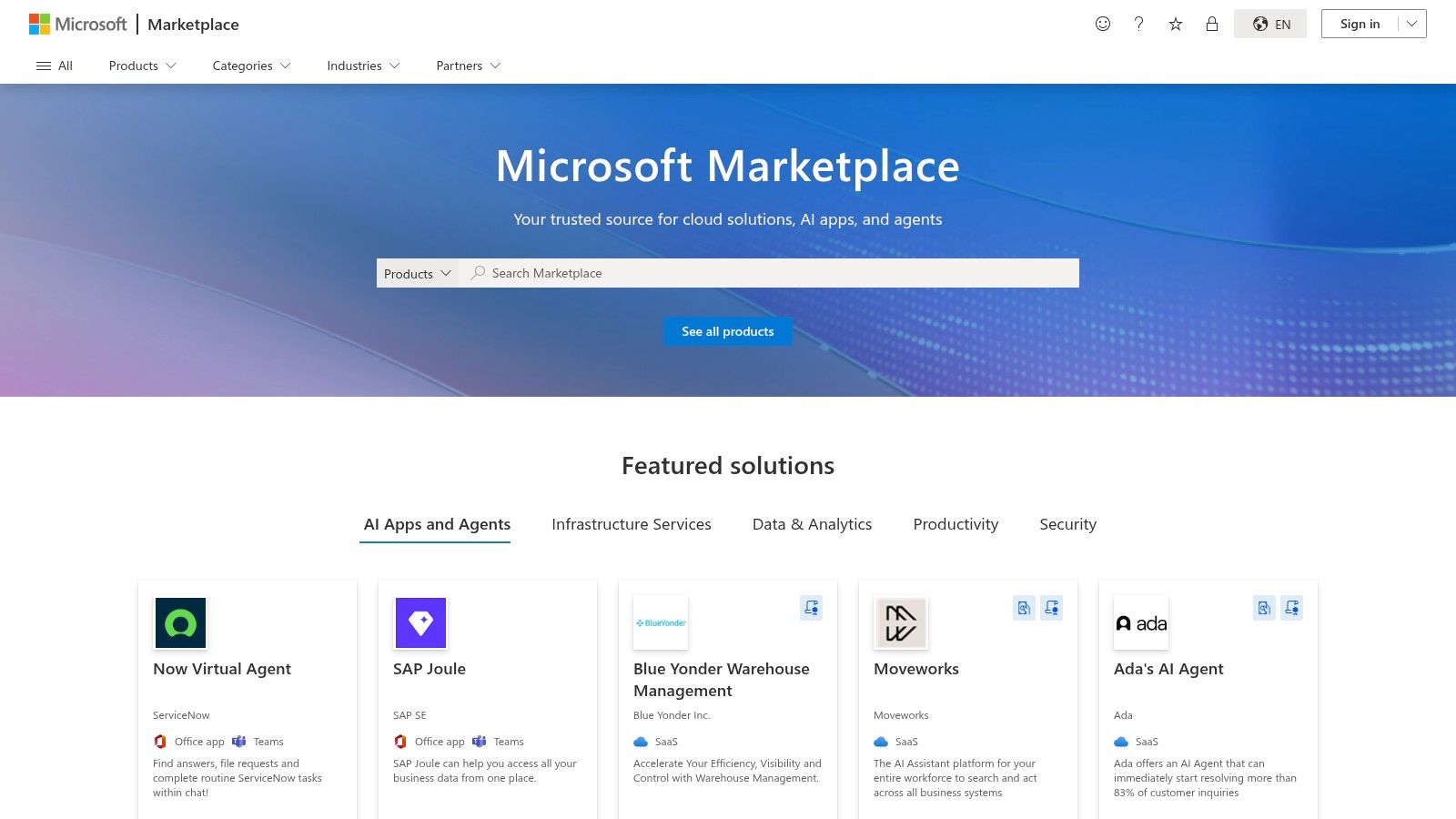
For small businesses already invested in the Microsoft ecosystem, AppSource is the go-to marketplace for expanding functionality. Instead of standalone software, it offers a catalog of SaaS apps and add-ins designed to integrate directly with products like Microsoft 365, Teams, Outlook, and Dynamics 365. This makes it an ideal source for finding top small business apps that enhance the tools you already use daily.
What sets AppSource apart is its focus on seamless deployment into existing Microsoft environments. You can discover, trial, and purchase tools that add CRM, scheduling, or e-signature capabilities directly within Outlook or Teams, minimizing workflow disruption and centralizing your software stack.
Core Features & Use Cases
- Direct Integration: Find add-ins that allow you to schedule appointments or generate quotes directly from an email in your Outlook inbox.
- Find, Try, Buy Model: Many apps offer free trials that can be initiated with a few clicks, letting you test functionality within your live environment before committing.
- Curated Categories: Easily filter apps by product (Teams, Excel, etc.) and business need (e.g., Finance, Customer Service) to find relevant solutions quickly.
Pros & Cons
| Pros | Cons |
|---|---|
| Tight integration with Outlook, Teams, and Excel. | Many listings are geared toward enterprise customers, requiring careful vetting. |
| Centralized billing and management via your Microsoft account for some apps. | The selection can feel less extensive for certain niche business needs. |
| Streamlines workflows by keeping tasks within familiar Microsoft tools. | Interface and user experience can vary significantly between different apps. |
How It Works With Phone Staffer
Many of the scheduling and CRM tools available on AppSource have web-based dashboards. A Phone Staffer virtual receptionist can be granted access to these platforms to manage your calendar, book client appointments, and update customer information, ensuring that leads captured over the phone are entered directly into the systems you manage through Outlook or Teams.
Website: https://appsource.microsoft.com/
4. Google Workspace Marketplace
For businesses built on Gmail, Google Calendar, and Drive, the Google Workspace Marketplace is a critical resource. Rather than a standalone app, it’s a catalog of third-party add-ons designed to extend the functionality of the Google tools you already use daily. This marketplace transforms your inbox and calendar from simple communication tools into a powerful business hub for everything from lead capture and quoting to call integration.
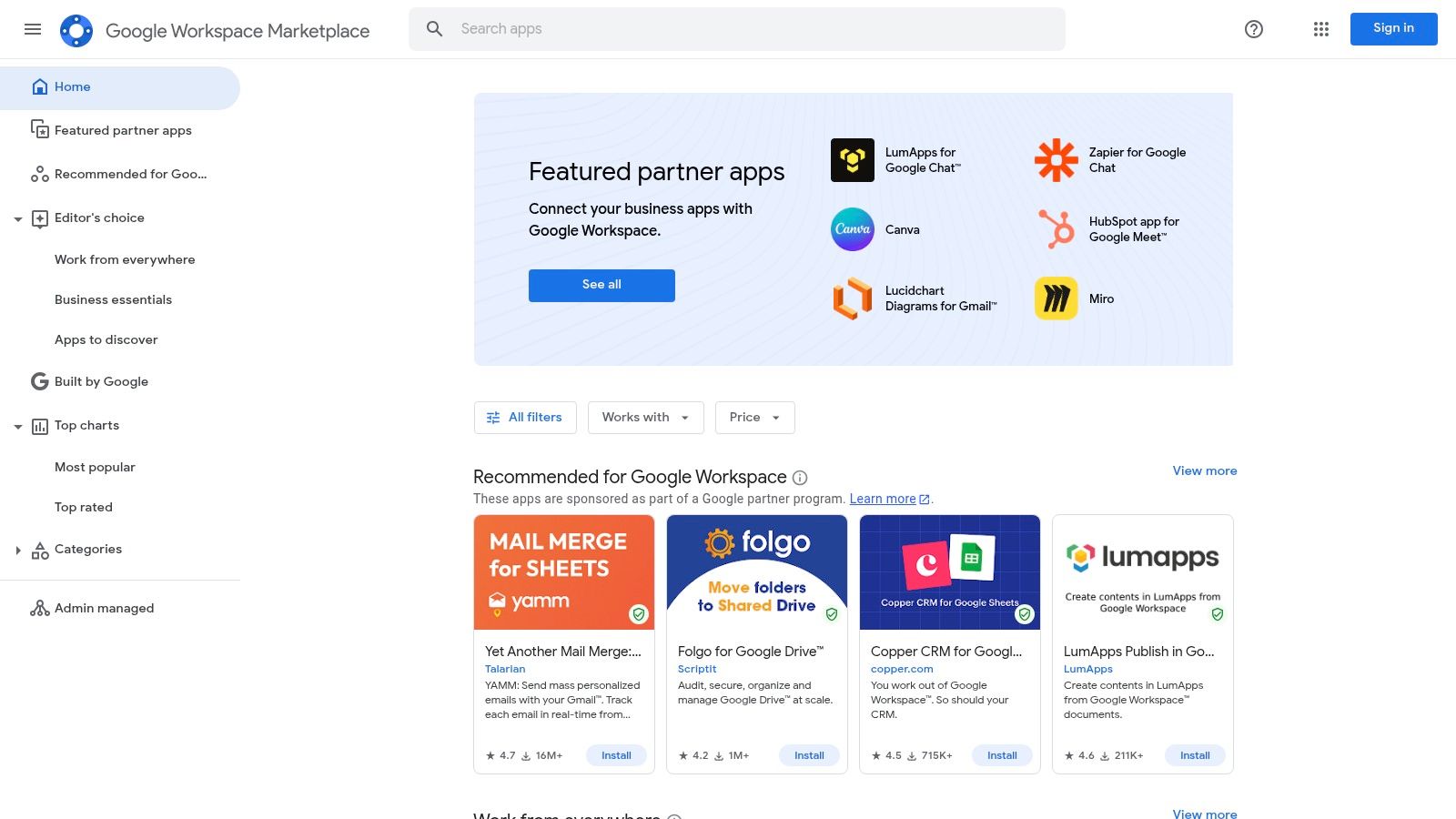
What makes it one of the top small business app ecosystems is its deep workflow integration. You can add a CRM that lives inside your Gmail sidebar or install a tool that pulls data from a Google Sheet to create a quote in Google Docs. This tight integration minimizes app-switching and centralizes your operations within a familiar environment.
Core Features & Use Cases
- Deep Workflow Integrations: Connect tools directly to Gmail, Calendar, and Drive to manage projects, send invoices, or schedule appointments without leaving your Google app.
- Filtered Discovery: Easily find add-ons that work with specific Google products (e.g., show only apps for Google Sheets) and see clear labels for free versus paid tools.
- Centralized Deployment: Admins can perform one-click domain installs to deploy a new tool to their entire team, while individual users can install add-ons for their own use.
Pros & Cons
| Pros | Cons |
|---|---|
| Seamless integration with Gmail, Calendar, and Drive automates workflows. | Some add-ons are limited to Google surfaces and are less useful cross-suite. |
| Easy, centralized deployment for teams using Google Workspace. | Quality can vary, so checking recent reviews and ratings is important. |
| Vast library of tools to enhance productivity within the Google ecosystem. | Discovering the perfect niche tool can sometimes require significant searching. |
How It Works With Phone Staffer
Many CRMs and scheduling tools found in the Marketplace have both a Google add-on and a web-based portal. A Phone Staffer receptionist can work directly from the main web portal to manage your calendar or update customer notes. This ensures that any information they input is instantly synced and visible within your Gmail or Google Calendar add-on, keeping your entire team aligned.
Website: https://workspace.google.com/marketplace
5. Shopify App Store
For home service businesses that sell products online or manage service bookings through a website, the Shopify App Store is a crucial resource. It’s not a single app, but a dedicated marketplace with over 13,000 tools designed specifically to extend the functionality of a Shopify-powered store. This makes it an essential hub for finding everything from local delivery schedulers and SMS marketing platforms to customer review widgets and live chat solutions.
What makes this marketplace so powerful is that every app is built to integrate directly into the Shopify admin. This unified approach means billing is handled through your main Shopify account, and installation is often a one-click process. Among the top small business apps available here, you'll find specialized tools that transform a simple e-commerce site into a full-fledged service management platform.
Core Features & Use Cases
- Purpose-Built Categories: Easily find apps for specific needs like "Orders and shipping," "Selling services," or "Point of Sale (POS)" to equip your business.
- Integrated Billing: All app subscriptions are managed and billed through your single Shopify account, simplifying expense tracking.
- Vetted and Reviewed: Discover reliable tools using filters like "Built for Shopify," which highlights apps that meet the highest standards for performance and security.
- Easy Trials and Permissions: App listings clearly outline what data they access, and most offer free trials so you can test functionality before committing.
Pros & Cons
| Pros | Cons |
|---|---|
| Mature ecosystem with a huge selection of specialized apps. | A Shopify store is required to install and use most of the apps. |
| Clear install process and straightforward free trials. | Ecosystem policy shifts can occasionally affect app developers and availability. |
| Centralized billing simplifies subscription management. | The sheer number of options can feel overwhelming for new users. |
How It Works With Phone Staffer
If your business uses a Shopify booking app like Appointly or Sesami, a Phone Staffer virtual receptionist can access your Shopify admin to manage appointments directly. They can schedule new service calls, reschedule existing bookings, and answer customer questions, ensuring your calendar is always accurate and your customers are well-supported through your own website.
Website: https://apps.shopify.com/
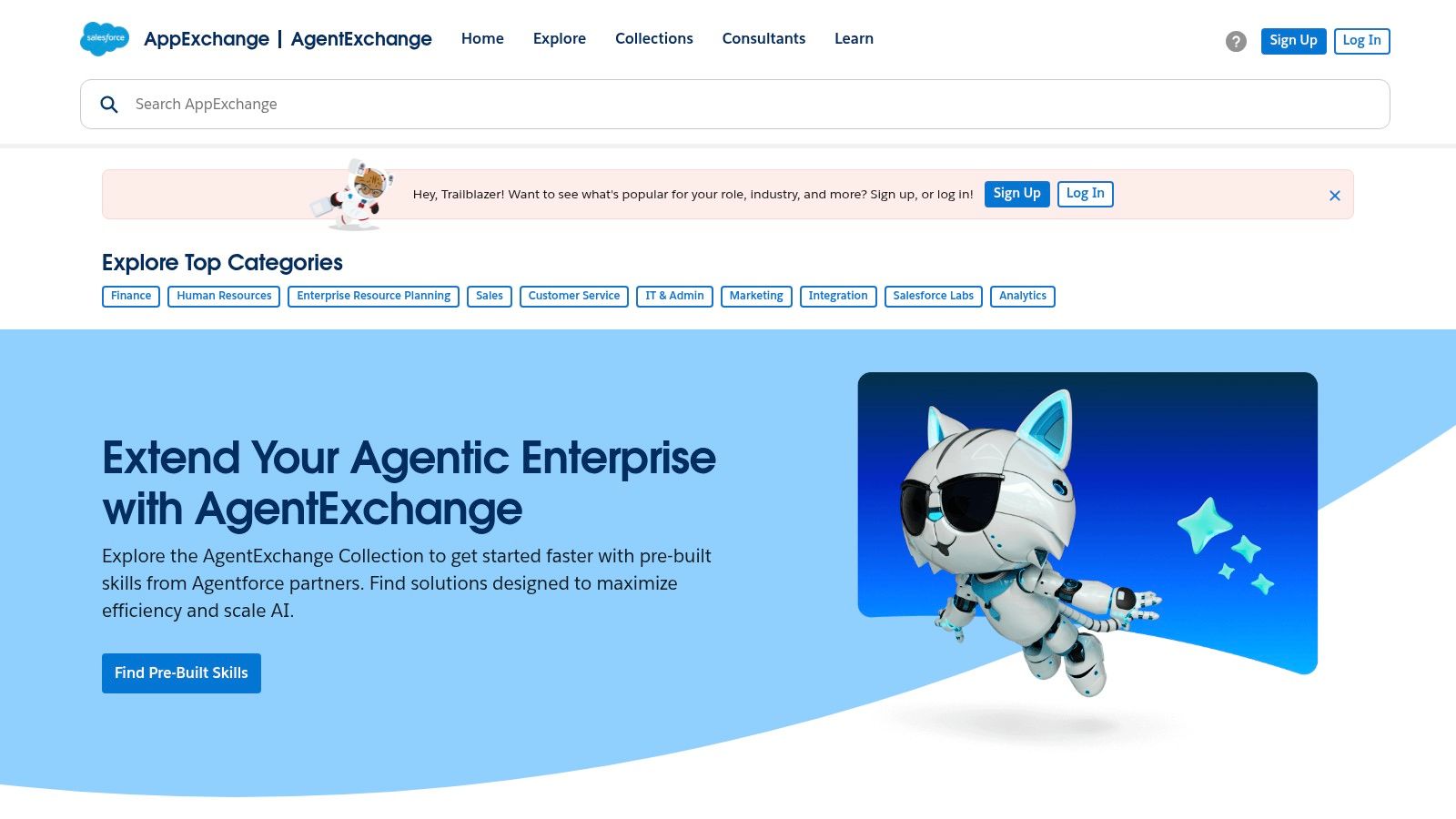
6. Salesforce AppExchange
For businesses already invested in the Salesforce ecosystem, the AppExchange is the definitive marketplace for extending their CRM's capabilities. It's not a standalone app but a vast library of third-party integrations and native solutions designed to enhance every aspect of sales, service, and marketing operations. This makes it one of the top small business apps marketplaces for companies looking to scale on a robust platform.
The AppExchange provides verified, pre-integrated tools ranging from advanced telephony and SMS solutions to sophisticated scheduling and e-signature platforms. Because these apps are built specifically for Salesforce, they offer a level of data consistency and process automation that standalone tools often can't match, making it an essential resource for franchises and service businesses aiming for operational excellence.
Core Features & Use Cases
- Category and Collection Browsing: Easily find solutions in categories like "Telephony" or "Sales Intelligence" to address specific business needs.
- Detailed Compatibility Information: Listings clearly show which Salesforce editions are supported, along with pricing, release history, and install counts to vet popularity.
- Robust Reviews: Evaluate apps based on detailed feedback and ratings from thousands of other Salesforce users, ensuring you choose a proven solution.
- SMB-Friendly Integrations: Discover apps that connect Salesforce to other essential small business tools you already use, such as Stripe, Zoom, or Mailchimp.
Pros & Cons
| Pros | Cons |
|---|---|
| Seamless integration with your existing Salesforce data. | Only beneficial for businesses already using or planning to use Salesforce. |
| Clear edition compatibility and detailed listing information. | The sheer volume of options can be difficult to navigate without clear goals. |
| Many apps offer free tiers or extensive free trials. | Implementation of complex apps may require specialized technical expertise. |
How It Works With Phone Staffer
If your business uses Salesforce as its central CRM, Phone Staffer can become a seamless extension of your team. Our virtual receptionists can work directly within your Salesforce environment, using AppExchange tools for scheduling appointments, logging call details, and qualifying new leads. This ensures every customer interaction is captured accurately in your system of record without any manual data transfer.
Website: https://appexchange.salesforce.com
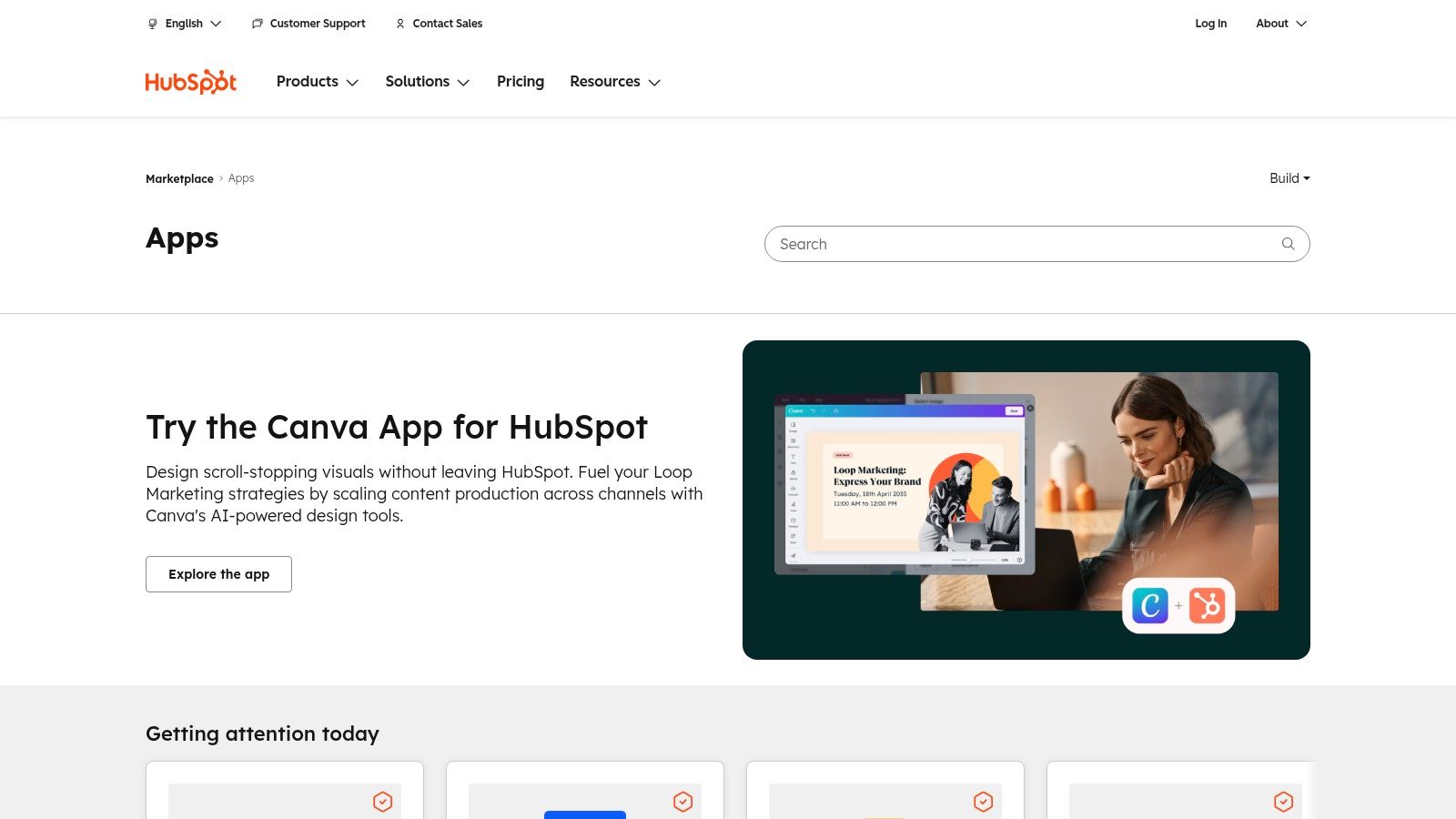
7. HubSpot App Marketplace
For businesses built around the HubSpot CRM, the HubSpot App Marketplace is the definitive resource for extending its capabilities. It’s not a standalone app but an ecosystem of third-party integrations designed to connect your sales, marketing, and service tools directly to your customer data. This is crucial for home service businesses that use HubSpot to capture leads and manage their sales pipeline.
The marketplace’s strength lies in its transparency and focus on the HubSpot ecosystem. Each listing clearly states its pricing, required HubSpot subscription tier, and data-flow permissions, so you know exactly what you’re getting before you install. It’s an essential tool for creating a connected, automated business hub rather than just using a collection of siloed apps.
Core Features & Use Cases
- Certified Apps: Look for the "Certified" badge to find integrations that meet HubSpot’s highest standards for quality and support.
- Curated Collections: Discover apps grouped by function, such as "Lead Generation" or "Calling," helping you find top small business apps for specific needs.
- Clear Prerequisites: Listings specify which HubSpot plans are compatible, preventing installation issues and unexpected costs.
- Transparent Data Flow: Understand exactly how an app will sync data with your HubSpot contacts and records before giving it access.
Pros & Cons
| Pros | Cons |
|---|---|
| Seamless integration with the HubSpot CRM platform. | Many powerful apps require higher-tier, more expensive HubSpot plans. |
| Transparent listings show pricing and compatibility requirements. | Can feel overwhelming if you don't know what you need to integrate. |
| Strong selection of telephony, scheduling, and analytics tools. | The best integrations are often paid, adding to your monthly costs. |
How It Works With Phone Staffer
The HubSpot App Marketplace contains numerous telephony and scheduling integrations. While these tools can be powerful, Phone Staffer offers a more direct solution by handling calls and booking appointments on your behalf. Our virtual receptionists can log into your HubSpot portal to update lead statuses and add notes after each call, ensuring your CRM data is always current. This approach is often more cost-effective than managing a complex stack of app integrations, especially when you consider models like pay-per-lead for home service companies.
Website: https://ecosystem.hubspot.com/marketplace/apps/
8. Intuit QuickBooks App Store (QuickBooks Online)
For small businesses already using QuickBooks Online for their accounting, the Intuit QuickBooks App Store is the most logical place to find integrated tools. This marketplace is not just a random collection of software; it's a curated ecosystem of apps designed to sync directly with your financial data. For home service businesses, this means finding specialized field service, time tracking, and job costing apps that eliminate manual data entry between your operations and your books.
What makes this platform powerful is its focus on accounting integration. By connecting an app from this store, you ensure that invoices, payments, and payroll data flow seamlessly into QuickBooks. This direct sync saves hours of administrative work, reduces human error, and provides a real-time view of your company's financial health, making it one of the top small business apps ecosystems available.
Core Features & Use Cases
- Direct Accounting Sync: Connect apps for job management or payment processing, and watch as invoices and payments automatically populate in your QuickBooks ledger.
- Category-Specific Search: Easily find tools for specific needs like field service management, inventory tracking, or CRM, all vetted for QuickBooks compatibility.
- User Reviews and Ratings: Read feedback from other business owners to understand how an app performs in a real-world setting before committing.
Pros & Cons
| Pros | Cons |
|---|---|
| Tight integration with accounting workflows reduces double entry. | A QuickBooks Online account is required to install and use the apps. |
| Many SMB-specific tools for field service, payments, and CRM. | Some apps are region-specific; you must verify US availability. |
| Centralized billing for many apps can be managed via Intuit. | The quality and support level can vary significantly between apps. |
How It Works With Phone Staffer
Many of the top CRMs and scheduling tools found in the QuickBooks App Store are web-based platforms. A virtual receptionist from Phone Staffer can work directly within these applications to schedule jobs, update client information, or process payments. This ensures that every action taken is instantly reflected in your QuickBooks account, keeping your operational and financial data perfectly synchronized.
Website: https://quickbooks.intuit.com/app/apps/home/
9. Zapier App Directory
For small businesses juggling multiple software tools, the Zapier App Directory is a game-changing resource. It’s not a single app but a massive library of over 6,000 web applications that can be connected to automate tasks. This directory is the key to making your existing CRM, scheduling software, and communication tools work together without needing any custom code.
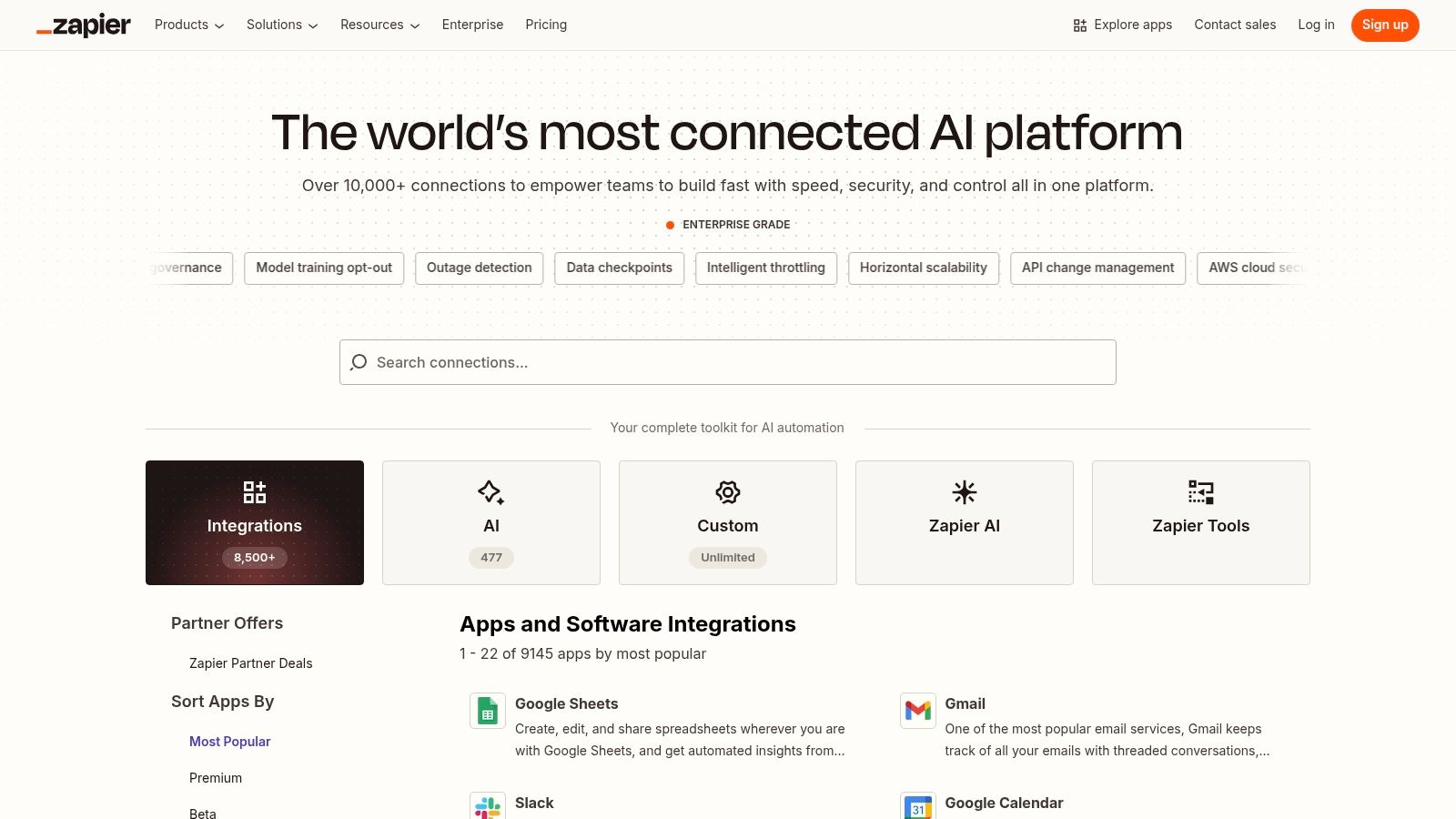
Zapier allows you to create automated workflows, or "Zaps," that trigger an action in one app based on an event in another. For example, a new form submission on your website can automatically create a new customer in your CRM and send you a text alert. This level of automation is one of the most powerful tools for small business apps, freeing up time spent on repetitive data entry.
Core Features & Use Cases
- Searchable Directory: Quickly find and explore thousands of apps to see which tools can be connected, with tags for premium or new integrations.
- No-Code Automation: Bridge tools that lack native integrations, such as connecting a Google Sheet of new leads to your email marketing software.
- Massive App Coverage: Connect virtually any part of your business, from lead intake and scheduling to billing and customer follow-up.
Pros & Cons
| Pros | Cons |
|---|---|
| Reduces manual data entry and administrative tasks. | Some crucial app integrations are "Premium" and require a paid plan. |
| Connects apps that don't have direct integrations. | Automation reliability can depend on the stability of connected apps. |
| High leverage for small teams needing to maximize efficiency. | Setting up complex, multi-step Zaps can have a learning curve. |
How It Works With Phone Staffer
Zapier is the ultimate bridge between your systems and Phone Staffer. When our virtual receptionists capture a new lead over the phone, we can enter the details into a system that triggers a Zap. This could automatically add the lead to your CRM, send a welcome text message, and create a task for your team to follow up, ensuring no opportunity is missed.
Website: https://zapier.com/apps
10. G2 – Best Software for Small Businesses
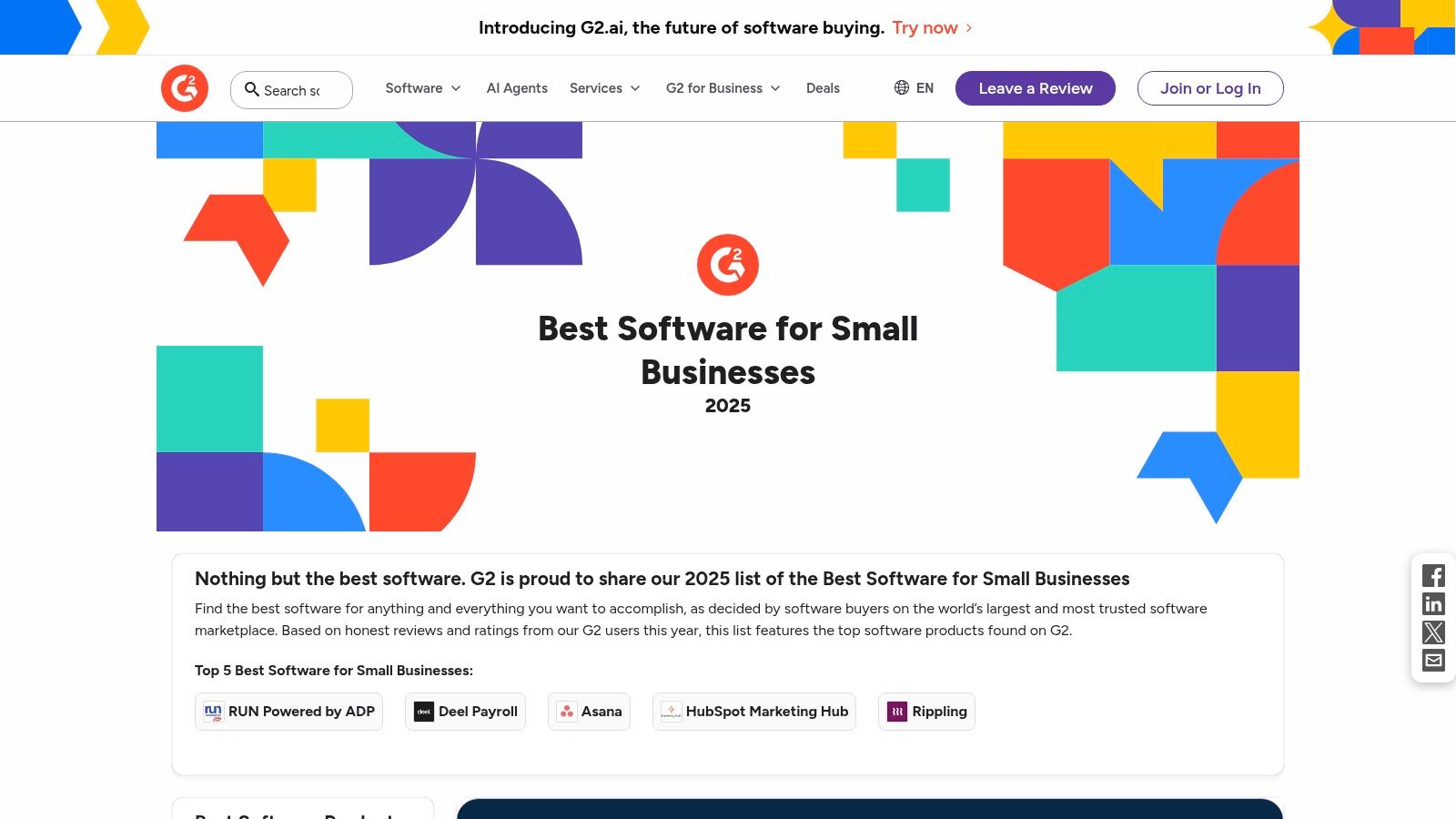
When you’re ready to invest in a serious software solution, G2 is the ultimate peer-review platform for vetting your options. It functions like a massive, data-driven marketplace, providing rankings and detailed comparisons of top small business apps based entirely on verified user reviews. This makes it an invaluable resource for moving beyond marketing hype and understanding how a tool performs in the real world.
For a home service business, this means you can directly compare two scheduling platforms or CRMs, filtering by features that matter most to you, like route optimization or mobile app quality. G2’s visual grids and award badges quickly highlight industry leaders, saving you countless hours of research.
Core Features & Use Cases
- Verified User Reviews: Read in-depth feedback from actual users to learn the true strengths and weaknesses of a potential software purchase.
- Comparison Grids: Visually compare up to four software products side-by-side, analyzing ratings for features like ease of use, setup, and support.
- Category-Specific Rankings: Drill down into niche categories like "Field Service Management" to find software built for your specific industry needs.
Pros & Cons
| Pros | Cons |
|---|---|
| Trustworthy data built from verified user reviews and ratings. | Sponsored placements can sometimes influence search visibility. |
| Powerful comparison tools and filters simplify decision-making. | Requires critical reading to distinguish genuine feedback from bias. |
| Broad coverage across almost every SMB software category imaginable. | The sheer volume of information can be overwhelming for new users. |
How It Works With Phone Staffer
Before you choose a new CRM or booking software for your business, use G2 to verify it's the right fit. Once you’ve selected a platform, a virtual receptionist from Phone Staffer can be trained to use its web-based interface. This ensures that the tool you carefully researched and selected is managed effectively for tasks like lead entry, appointment scheduling, and customer data updates.
Website: https://www.g2.com/best-software-companies/small-business
11. Capterra – Software Categories
Finding the right software can be as challenging as finding the right employees. Capterra, a Gartner-owned directory, simplifies this process by acting as a comprehensive software marketplace. With over 900 categories, it’s an essential resource for shortlisting field service, scheduling, and CRM tools specifically tailored for home service businesses.
What sets Capterra apart is its commitment to verified user reviews and detailed buyer guides. This allows you to compare top small business apps based on real-world feedback, not just marketing claims. For a home service owner, this means you can confidently research platforms that handle everything from dispatching technicians to managing customer payments, ensuring you invest in a solution that truly fits your operational needs.
Core Features & Use Cases
- Extensive Categories: Drill down into specific niches like "Field Service Management" or "HVAC Software" to find tools built for your trade.
- Verified Reviews: Read feedback from actual users, with details on their business size and industry, to gauge a tool’s suitability.
- Comparison Tools: See side-by-side comparisons of features, pricing, and user ratings for your shortlisted software options.
- Buyer Guides: Access free resources and articles that explain software features and guide you through the selection process.
Pros & Cons
| Pros | Cons |
|---|---|
| Huge selection of SMB-specific software with robust filters. | Sponsored profiles get preferential placement, so it's wise to cross-verify. |
| Verified reviews add a layer of trust to your research. | The sheer number of options can feel overwhelming without a clear starting point. |
| Helpful buyer resources to guide your purchasing decision. | Some listed pricing may be outdated; always check the vendor's site directly. |
How It Works With Phone Staffer
Capterra is the ideal place to research the web-based CRMs and scheduling platforms that Phone Staffer receptionists can use. After you’ve selected a tool using Capterra’s reviews, our virtual receptionists can be trained to use it for booking appointments, updating client records, and qualifying leads, ensuring the software you choose integrates perfectly with our services.
Website: https://www.capterra.com/categories/
12. GetApp – Small Business software comparisons
GetApp is a powerful software comparison engine designed to help small business owners move from initial research to a final decision. While other platforms offer vast directories, GetApp excels at creating direct, side-by-side comparisons. This makes it the ideal destination when you have a shortlist of two or three top small business apps and need to scrutinize their features, pricing, and integrations in detail.
The platform, part of the Gartner family, provides robust filtering options that allow you to narrow down software by business size, industry, and specific features. This focused approach saves time by cutting through marketing noise and presenting the data points that matter most for your operational needs.
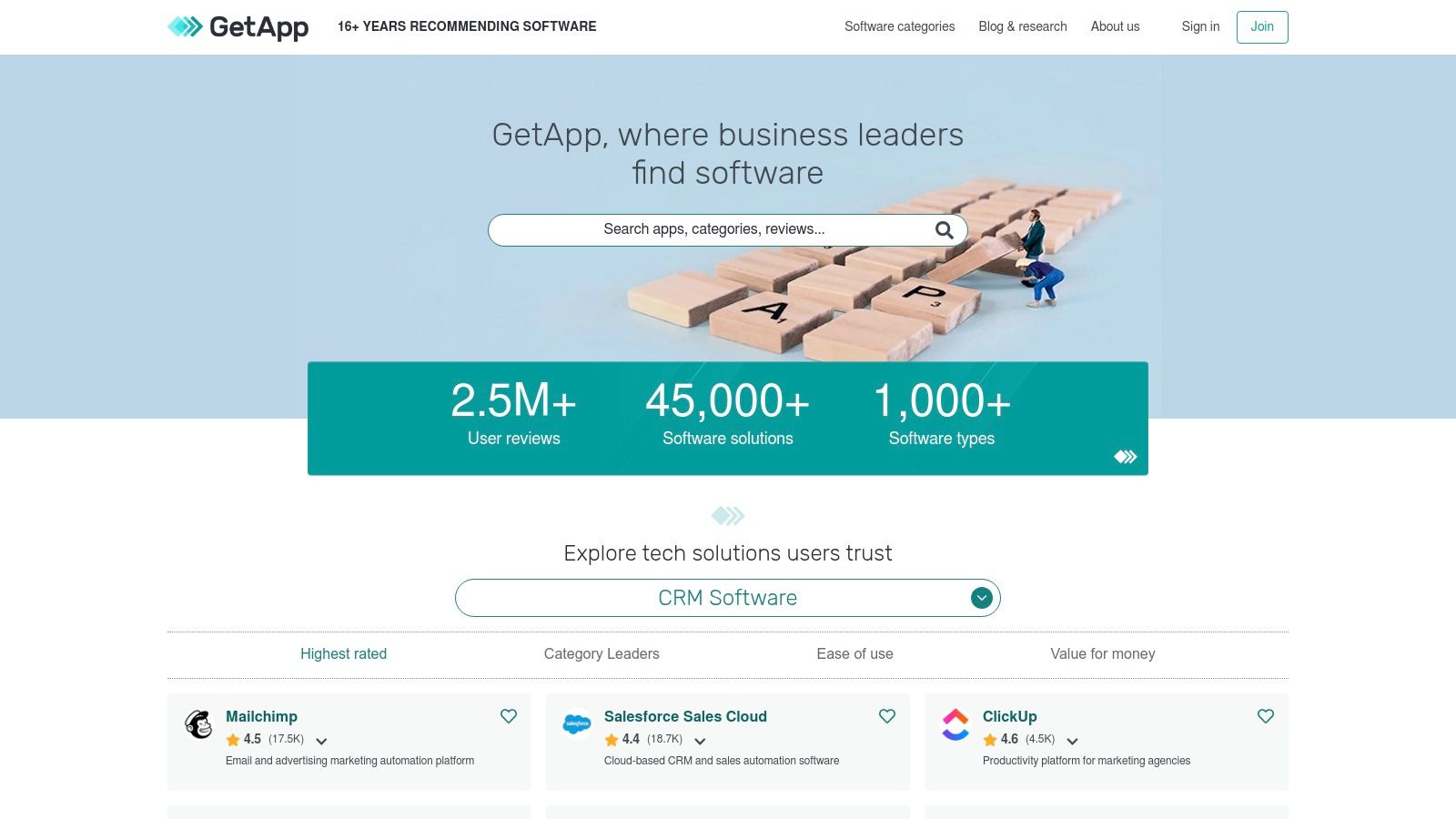
Core Features & Use Cases
- Direct Comparison Views: Select multiple apps and view their features, pricing, and user ratings in a clean, side-by-side table for easy analysis.
- Advanced Filtering: Drill down by deployment type (cloud vs. on-premise), business size, industry, and geographic location to find highly relevant tools.
- User-Sourced Alternatives: Each software page suggests alternatives based on what other users have viewed, helping you discover strong competitors.
- In-Depth Reviews: Access detailed reviews from verified users, offering real-world insights into an app’s performance and customer support.
Pros & Cons
| Pros | Cons |
|---|---|
| Excellent for comparing a few shortlisted tools quickly. | Sponsored placements can influence search results; verify with trials. |
| Granular filters help you find software for niche industries. | The sheer volume of data can be overwhelming for initial discovery. |
| Strong focus on SMBs and their specific software requirements. | Best used as a second step, after you have a general idea of needs. |
How It Works With Phone Staffer
After using GetApp to select your ideal CRM or scheduling platform, a Phone Staffer virtual receptionist can be trained to use it immediately. Since our team operates on the web-based versions of these tools, they can manage client data, book appointments, and process leads directly within the system you’ve chosen, ensuring your new software investment is fully utilized from day one. Beyond general categories, specific resources like a comprehensive lead generation software comparison can pinpoint the best tools for your specific needs.
Website: https://www.getapp.com
Top 12 Small-Business App Marketplaces Comparison
| Marketplace | Core features ✨ | Integration & UX ★ | Pricing & Value 💰 | Best fit / USP 👥🏆 |
|---|---|---|---|---|
| Apple App Store – Business category | Curated business apps, device-integrated payments/sign‑in | ★★★★★ — strong vetting, iOS-first experience | 💰 Free to browse; app pricing varies; Apple policies apply | 👥 iPhone/iPad-first owners; 🏆 curated + device integrations |
| Google Play Store – Business apps | Broad catalog for Android/ChromeOS tools | ★★★★ — wide choice, variable quality | 💰 Many free apps; paid options common; large volume | 👥 Android crews/techs; 🏆 breadth and deployability |
| Microsoft AppSource | SaaS/add‑ins for M365, Teams, Dynamics | ★★★★★ — tight MS integration, trial flows | 💰 Listings show pricing; central Microsoft billing often available | 👥 MS365/Dynamics users; 🏆 native Office/Teams integrations |
| Google Workspace Marketplace | Add‑ons for Gmail/Calendar/Drive/Sheets | ★★★★★ — deep Gmail/Calendar workflows, easy domain installs | 💰 Free to browse; some paid add‑ons or tiers | 👥 Gmail/Workspace teams; 🏆 seamless Google workflow automations |
| Shopify App Store | Commerce & booking apps for Shopify stores | ★★★★ — mature ecosystem, clear install/permissions | 💰 App fees + revenue share possible; Shopify account required | 👥 Merchants selling services/products on Shopify; 🏆 commerce-focused apps |
| Salesforce AppExchange | CRM extensions (telephony, scheduling, e‑sign) | ★★★★★ — detailed listings, compatibility info | 💰 Many free trials; some paid/enterprise apps | 👥 Salesforce customers/franchises; 🏆 CRM-native extensions |
| HubSpot App Marketplace | CRM/marketing/service integrations | ★★★★ — transparent listings, demo assets | 💰 Free to browse; some apps need higher HubSpot tiers | 👥 HubSpot small/home‑service teams; 🏆 CRM-native lead tools |
| QuickBooks App Store (QBO) | Accounting-synced field service & billing apps | ★★★★★ — tight accounting sync, in‑product discovery | 💰 Varies; QuickBooks account often required | 👥 Operators using QuickBooks; 🏆 reduces duplicate accounting entry |
| Zapier App Directory | Automation connectors across tools | ★★★★★ — massive coverage, bridges gaps | 💰 Free tier; many important zaps need paid plan | 👥 Small teams needing integrations; 🏆 high-leverage automation |
| G2 – Best Software for SMBs | Review-driven rankings, grids, awards | ★★★★ — verified reviews, visual comparisons | 💰 Free to use; vendors may sponsor listings | 👥 Buyers vetting software; 🏆 strong review-based research |
| Capterra – Software Categories | 900+ categories, buyer guides | ★★★★ — extensive filters, verified reviews | 💰 Free to use; referral/sponsored models exist | 👥 Shortlisting field service/CRM tools; 🏆 thorough category browsing |
| GetApp – SMB comparisons | Side-by-side comparisons, reviews | ★★★★ — focused comparison views | 💰 Free; sponsored placements possible | 👥 Decision-makers comparing few tools; 🏆 fast shortlist creation |
Build Your Tech Stack, But Don't Forget the Human Touch
Navigating the vast landscapes of app marketplaces like the Apple App Store, Google Play, G2, and Capterra can feel overwhelming. We've explored the best platforms to discover the top small business apps designed to streamline your operations, from robust CRMs found on Salesforce AppExchange to essential financial tools in the Intuit QuickBooks App Store. The core takeaway is clear: the right technology stack is no longer a luxury for a home service business, it is a fundamental pillar of growth and efficiency.
These tools are built to automate tedious tasks, organize complex schedules, and provide invaluable data insights. They empower you to manage your business from anywhere, creating a seamless workflow that connects your field technicians, office staff, and customers. However, the true power of this technology is only unlocked when it’s implemented strategically.
From Selection to Successful Integration
Choosing the right applications is just the first step. The real challenge, and where many businesses falter, lies in the implementation and daily management. Simply downloading a new app won't magically solve your operational bottlenecks.
To ensure your investment in these tools pays off, consider the following actionable steps:
- Audit Your Current Processes: Before you choose an app, map out your existing workflows. Where are the biggest time sinks? What tasks are most prone to human error? Identify the specific problems you need to solve, whether it's lead follow-up, invoicing, or dispatching.
- Prioritize Integration: A powerful standalone app is good, but an integrated system is transformative. Look for tools that connect seamlessly, perhaps through platforms like Zapier or native integrations found within marketplaces like the HubSpot App Marketplace. Your goal is to create a single source of truth, not a dozen disconnected data silos.
- Focus on User Adoption: The best app in the world is useless if your team doesn't use it correctly. Plan for a phased rollout, provide thorough training, and get buy-in from your employees. Highlight how the new tool will make their jobs easier, not just add another task to their plate.
The Irreplaceable Human Element
While the top small business apps can automate nearly every administrative function, they cannot replicate the nuance, empathy, and trust-building capabilities of a human conversation. A home service business is built on relationships. Customers need assurance, they have unique questions, and they want to feel heard, especially when scheduling a service that involves inviting someone into their home.
This is the critical gap that technology alone cannot fill. While your new CRM can log a lead and your scheduling software can display an open time slot, a person needs to make the call, answer the inbound query with confidence, and convert that prospect into a booked job. The ultimate strategy isn't about choosing between technology and people, it's about using technology to free up your human resources to do what they do best: connect with customers.
By pairing a powerful, automated tech stack with a dedicated, professional human touch, you create an unbeatable system. Your apps handle the data, the scheduling, and the reminders, while a skilled professional handles the crucial conversations that drive revenue and build loyalty. This hybrid approach allows you to scale efficiently without sacrificing the high-quality customer experience that sets your service apart.
Ready to perfect your lead follow-up and ensure no customer call goes unanswered? While your apps manage the backend, let the dedicated virtual receptionists at Phone Staffer provide the essential human touch that converts leads and delights customers. Explore how Phone Staffer can integrate with your new tech stack to create a seamless, powerful customer acquisition machine.